STEP 01
Upload Photos, Clips, or a Template
Start with photos, short clips, or a ready template. This is the first step in how to make a YouTube Short from real product shots, travel footage, or a store lookbook. No timeline setup is required.
AIMakeSong is a free online short video maker for social clips. Upload photos, video clips, or a template. You can create or refine stills with AIMakeSong text-to-image and image-to-image tools, then use those visuals in this short video maker. The tool arranges scenes, matches the beat, and adds AI music, captions, and transitions. You can create short video posts for TikTok, Reels, and YouTube Shorts without a timeline editor. Log in for a free starter credit allowance. Plans can cost 30–70% less than many similar tools.
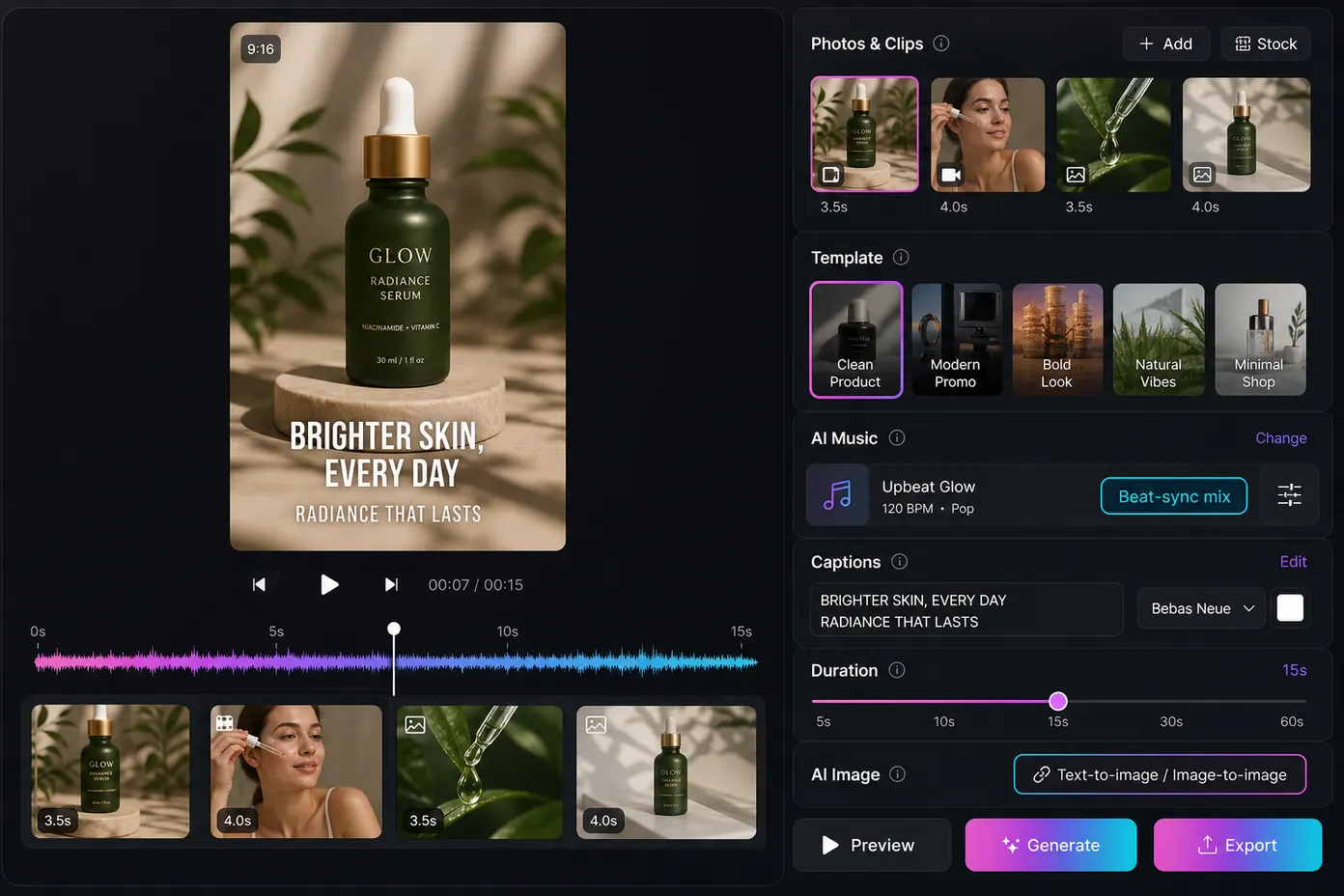
How It Works
Learn how to make a short video in three steps. Upload clips or a template, let the short video maker edit to the beat, then export a vertical clip.
Start with photos, short clips, or a ready template. This is the first step in how to make a YouTube Short from real product shots, travel footage, or a store lookbook. No timeline setup is required.
Pick beat-sync mixed cuts, photo-and-text clips, product showcases, or a template look. The short video maker arranges scenes like a shorts maker, then adds AI music, captions, and transitions on the beat.
Preview the cut. Change clip order, music, captions, or length, then export for TikTok, Reels, and YouTube Shorts. This short video maker is a video editor for YouTube Shorts without a heavy timeline.
Controls
Use this as an AI short maker with a short list of controls. Create or refine stills, add your files, finish music and captions, then adjust the output.
Lets you create new stills from text or refine existing photos with image-to-image generation before they go into the short.
Use AIMakeSong text-to-image or image-to-image tools, then bring those visuals into this short video maker.
You are not limited to camera-roll files. You can build scenes when you are missing a shot.
A short video maker on AIMakeSong turns photos, clips, or AI-made stills into a vertical social clip. It drafts the edit, then lets you fix order, music, captions, and duration.
Use this short video maker to create short video clips for shops, travel, and daily Shorts. Each case starts from photos, clips, templates, or AI stills.
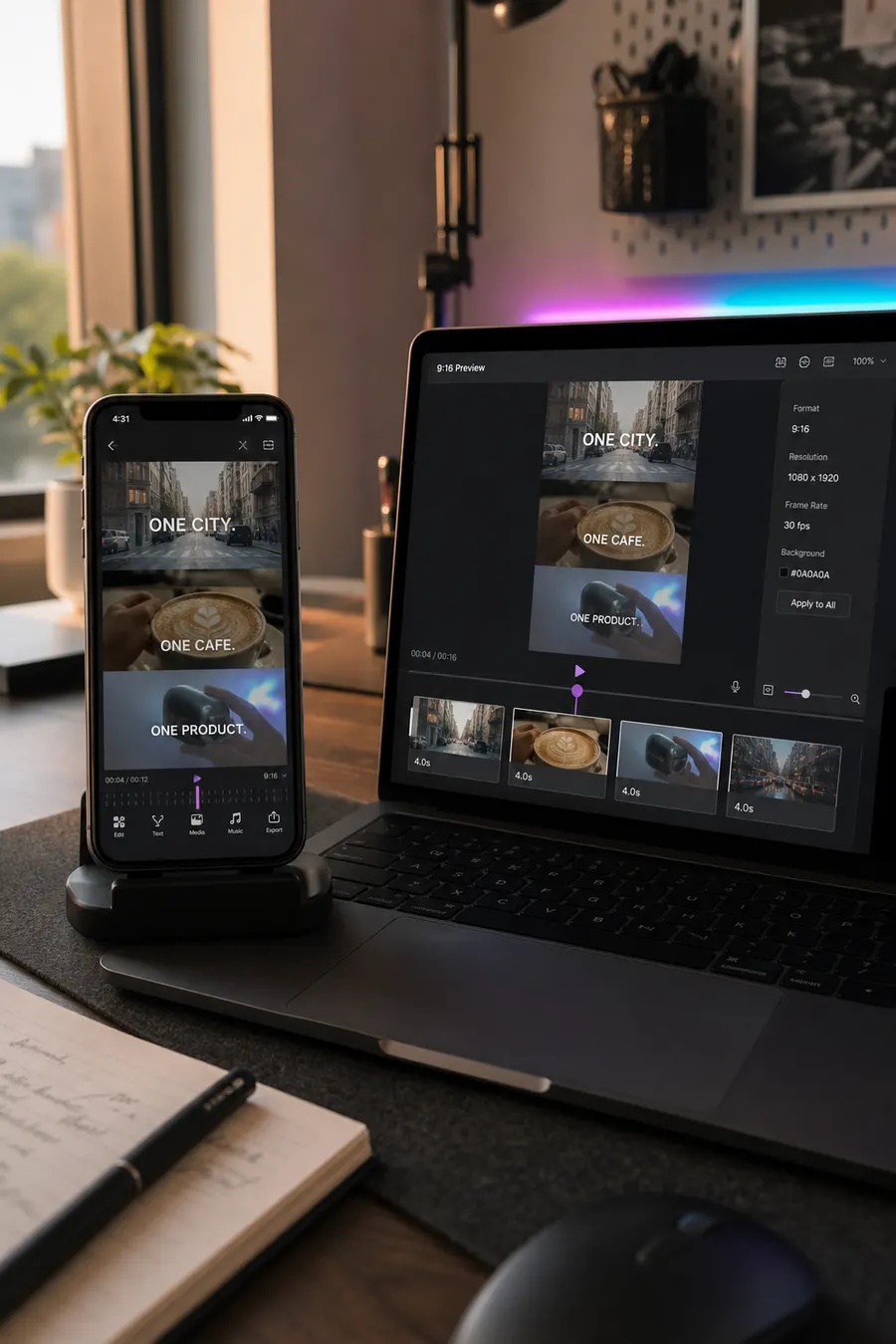
Drop in clips from a launch, trip, or event. The short video maker cuts to the music so you can create short video montages that feel timed, not shuffled. Add captions and export a vertical mix for Reels or TikTok.
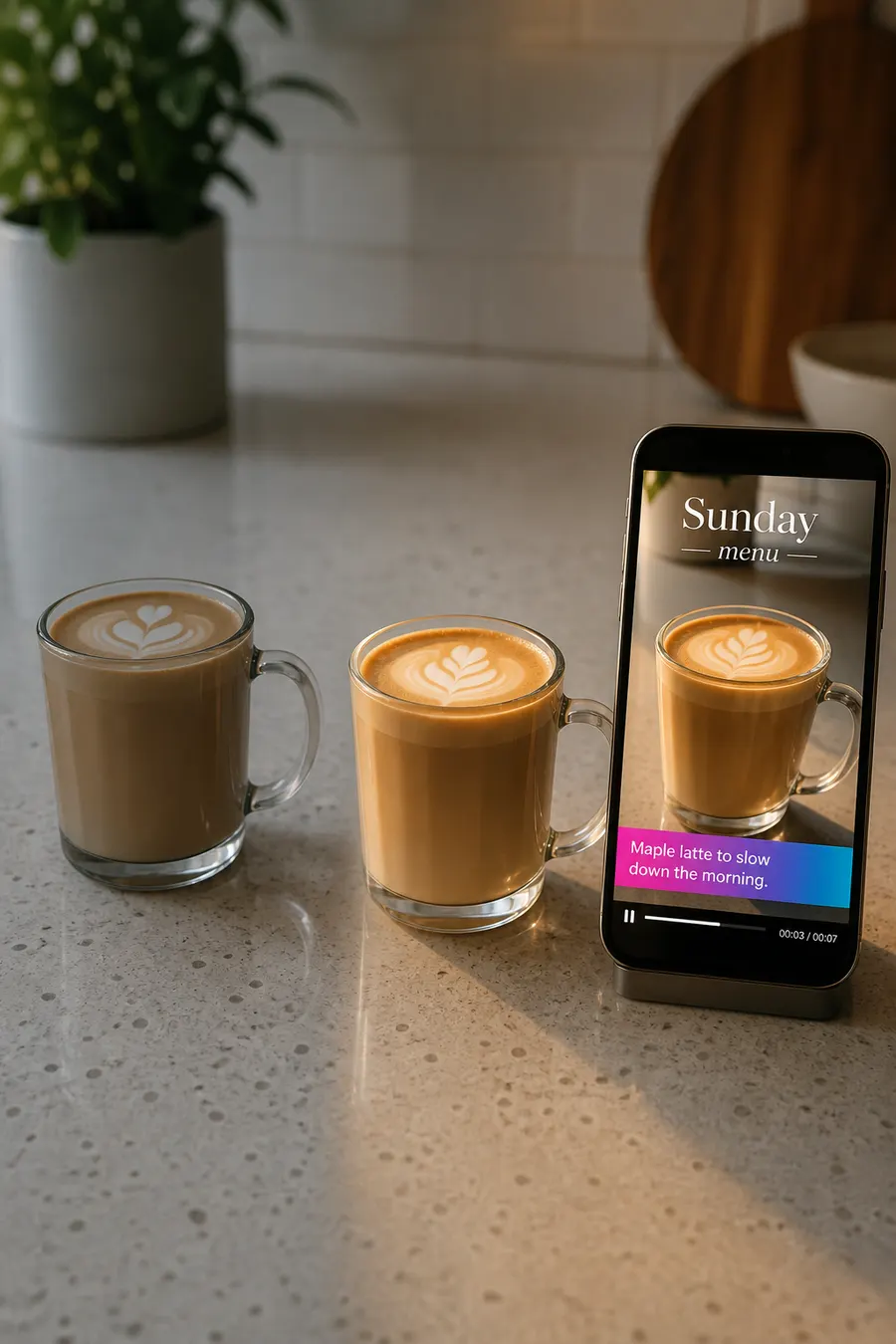
Start with your photos, create new variations with image-to-image AI, then turn them into a photo-based short with motion, captions, and music. The short video maker still handles the cut, so you can work as a short video creator without filming a new take.
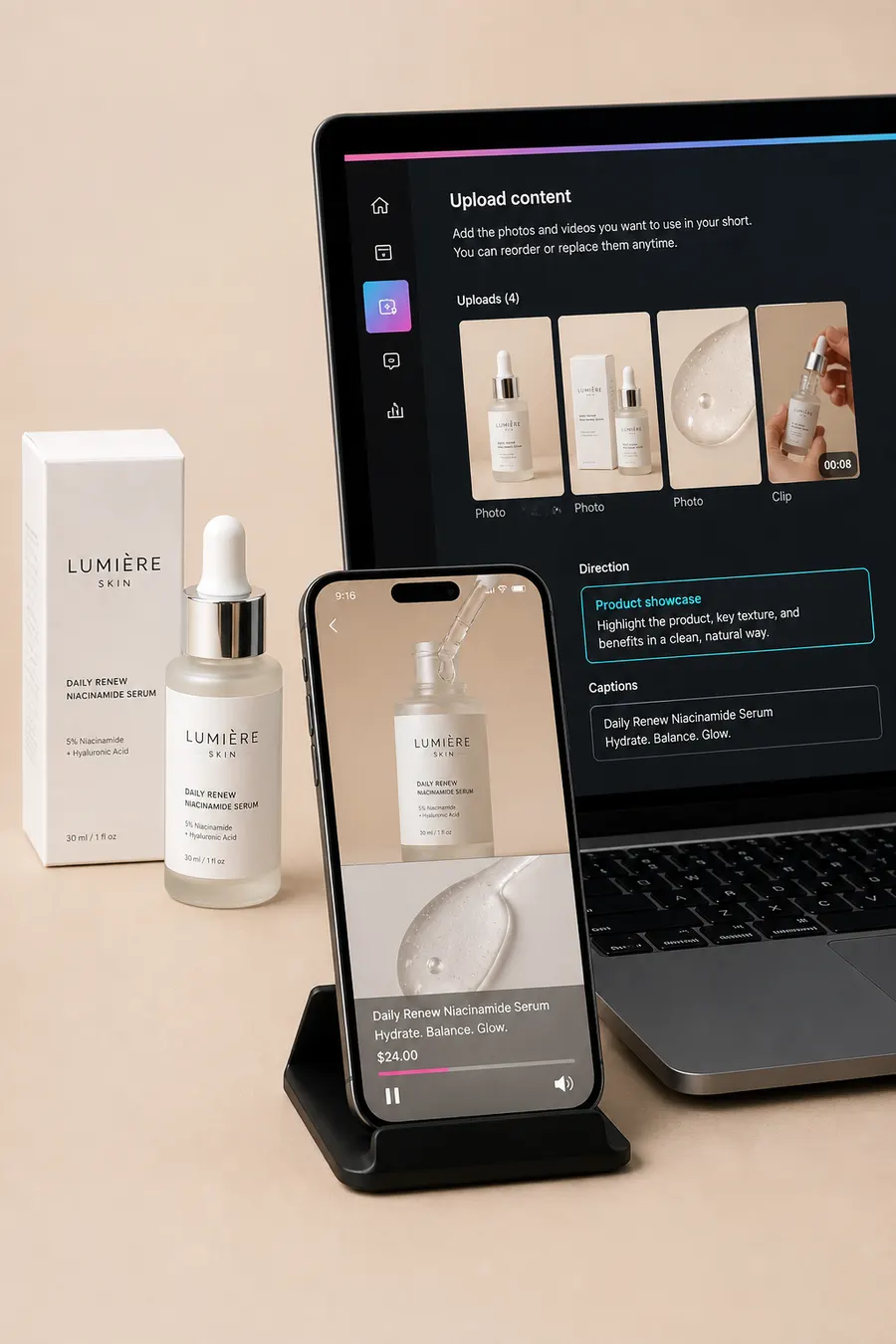
Show a product from a few photos or clips. This short video maker builds a showcase with captions and AI music. A small shop can post like a YouTube short maker without hiring an editor.
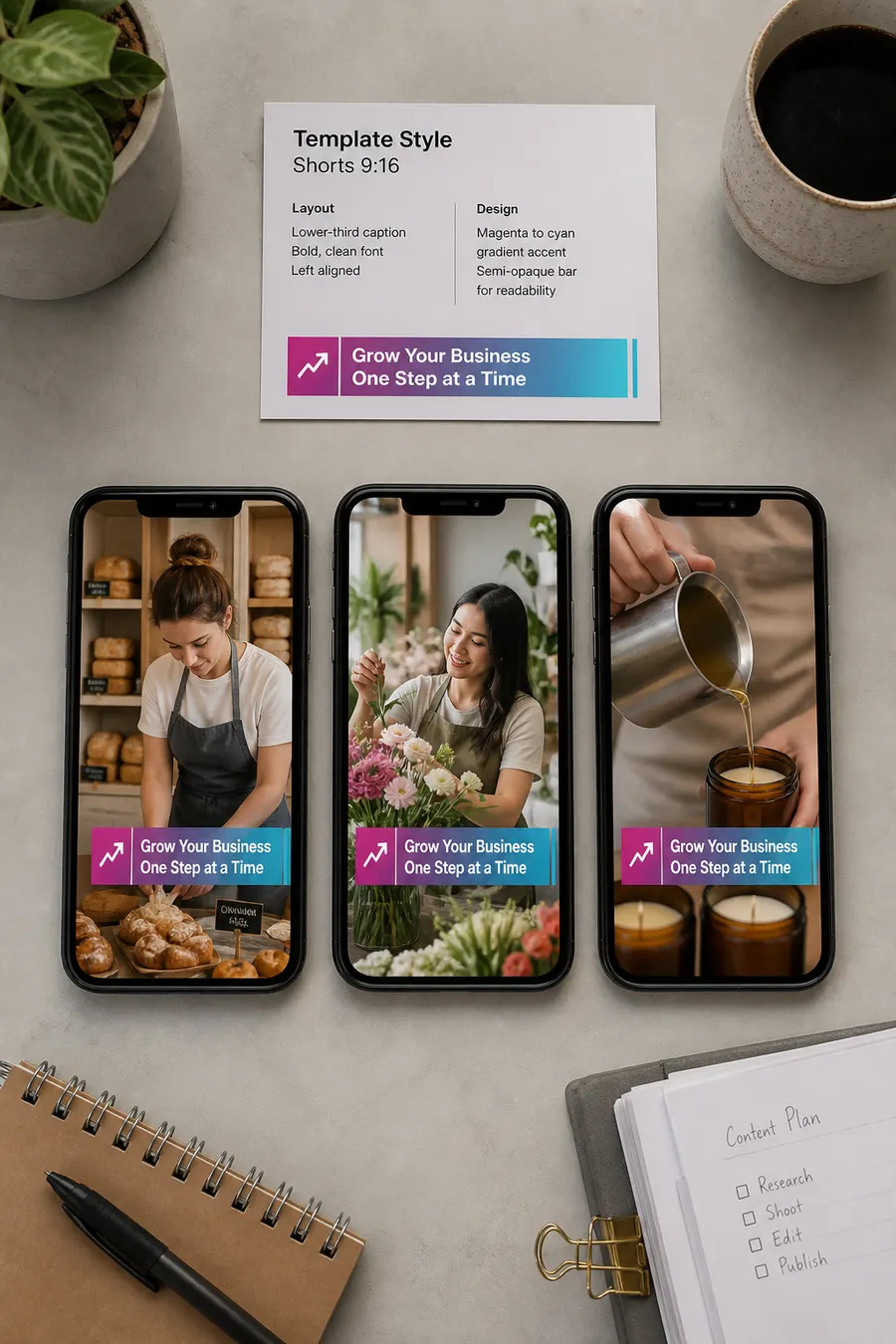
Pick a template style, drop in your assets, and generate. The short video maker keeps captions, transitions, and pacing consistent. That helps you learn how to create YouTube Shorts you can post more than once a week.
Sample Workflows
These examples show input, the AI draft, and the next step. They are sample workflows, not guaranteed results.
Why AIMakeSong
This short video maker is built for Shorts, not a full studio. Use it as a shorts maker with AI music, captions, and beat-matched cuts from your own files or AI stills.
Create visuals with text-to-image or image-to-image tools, turn them into video scenes, then build a short video without jumping across several AI sites. The short video maker keeps the cut, captions, and music in one Shorts flow.
Log in to start. AIMakeSong gives a free starter credit allowance, so you can test this short video maker before you buy more volume. Paid plans can cost 30–70% less than many similar tools, which helps teams post more Shorts on a smaller budget.
You do not need to learn a video editor for YouTube Shorts to ship a clip. Upload, choose a direction, and let the short video maker generate a draft. Then tweak order, music, captions, or length.
Use the same short video maker path for text-to-image stills, image-to-image edits, video clips, AI music, and vertical shorts. Export for TikTok, Reels, YouTube Shorts, and social ads from one account. You can keep the same caption style across posts.
Who It’s For
This short video maker is for people who need a shorts maker, not a full production suite. Post a short video without hiring an editor.
Sample testimonials for prototype and demo only. These are not verified customer quotes.
“I used this short video maker on leftover launch clips. The beat cuts were close enough that I only swapped two shots. I posted the same night.”

“I needed a youtube short maker for three product photos. Captions and music came with the draft, so I did not open a separate editor.”

“I still use a timeline for ads. For daily posts, the short video maker is faster. I only fix order and caption style.”

“I searched how to make a short video and did not want a full course. Upload, generate, export. That was the whole job.”

“This short video maker is not my long-form editor. It is the tool I use when I need a vertical clip from photos I already shot.”
“We treat it as a shorts maker for weekly promos. Same template style, new photos, export for Shorts and Reels.”

Direct answers on access, AI visuals, workflow, and how this differs from a full editor.
Yes. Create stills with text-to-image or refine photos with image-to-image, then upload them here. The short video maker turns those visuals into a vertical clip so you can create short video posts without a separate design stack.
Upload photos or clips, pick a style, and generate. Preview the cut, then adjust order, music, captions, or length. Export a vertical file and upload it in YouTube. The short video maker handles the first edit for you.
You need to log in. After login, a free starter credit allowance lets you try this short video maker as a free shorts maker. Upgrade if you need more volume for extra exports.
It is a short video maker first. You get an AI first cut, then light controls for order, music, captions, and length. It is not a full youtube short editor with a multi-track timeline.
Yes. Upload stills and short clips together, or start from a template. The draft arranges both. Reorder anything that feels off before you export.
Yes. One generate pass can add AI music, dynamic captions, and transitions. You can still change the track or caption style in preview.
An AI short maker here means the tool drafts the cut for you. It is not a script-to-avatar studio and not a long-video clipper. You bring photos, clips, templates, or AI stills.
Export a vertical clip for TikTok, Instagram Reels, YouTube Shorts, and other social posts. Upload in each app. Direct posting from this page is not claimed.
People say shorts video for any short vertical clip. A YouTube Short is the YouTube version of that format. This tool aims at that vertical social clip, not a long 16:9 video.
Photo Video Maker is photos plus music, often as a slideshow or one-image clip. AI Music Video Generator builds a video around a full track. This short video maker is for Shorts-style cuts with clips, templates, captions, beat sync, and optional AI stills.
Log in, claim a free starter credit allowance, and try the short video maker. Upload photos, clips, or AI stills, then export for TikTok, Reels, or YouTube Shorts. Plans can cost 30–70% less than many similar tools.
Meer tools
Maak muziek, video en afbeeldingen op één plek. Veeg naar de volgende.
Maak in minuten een origineel nummer van een prompt.
Openen
Plak een idee en genereer een complete track.
Openen
Schrijf coupletten, hooks en refreinen met AI.
Openen
Neuri een melodie en maak er een nummer van.
Openen
Cover een nummer met een nieuwe stem of stijl.
Openen
Scheid zang en instrumental met één klik.
Openen
Scheid zang, drums, bas en meer.
Openen
Maak van je track een cinematische muziekvideo.
Openen
Maak een video van foto's met muziek.
Openen
Genereer covers en visuals vanuit een prompt.
Openen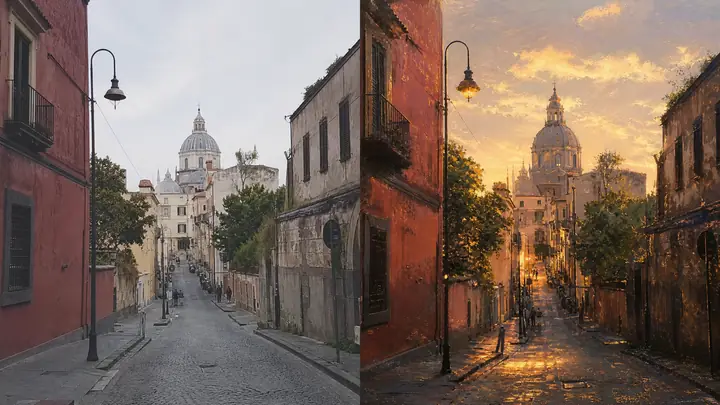
Geef een foto een nieuwe stijl.
Openen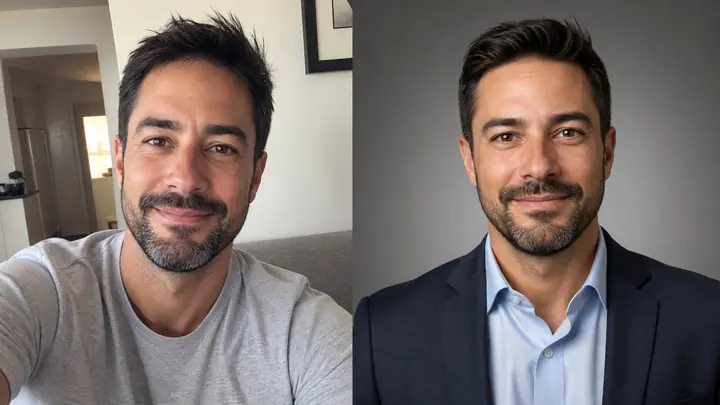
Maak van een selfie een studioportret.
Openen