Game Music Maker forLooping GameSoundtracks

AIMakeSong's game music maker turns a game type, scene, mood, and style into original background music. Describe a battle, exploration map, menu, town, dungeon, or boss fight, then choose a sound such as 8-bit, orchestral, cyber electronic, or pixel adventure. Generate a loop, preview it, adjust the direction, and create a cue that fits your game. If you are learning how to make video game music without hiring a composer, AIMakeSong gives you a simple browser-based workflow for prototypes, levels, game jams, and commercial projects.

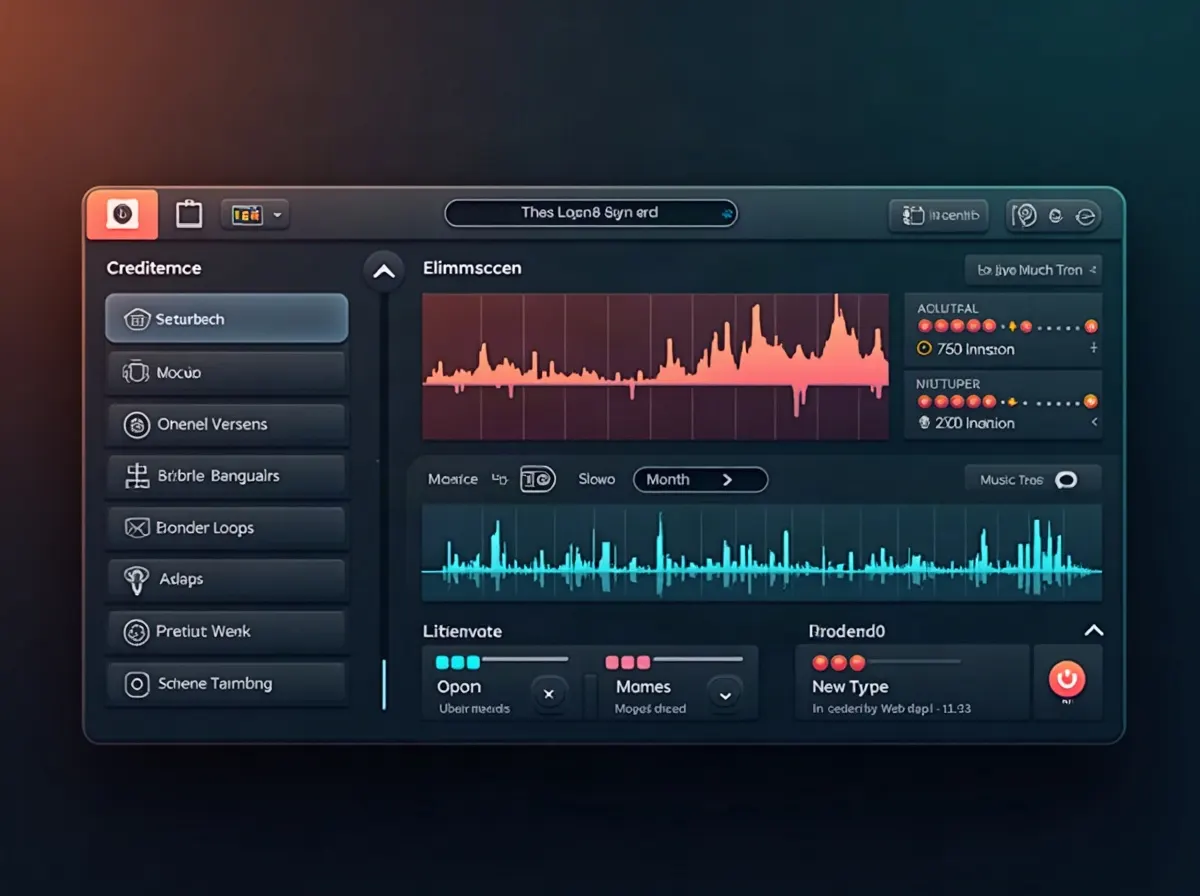
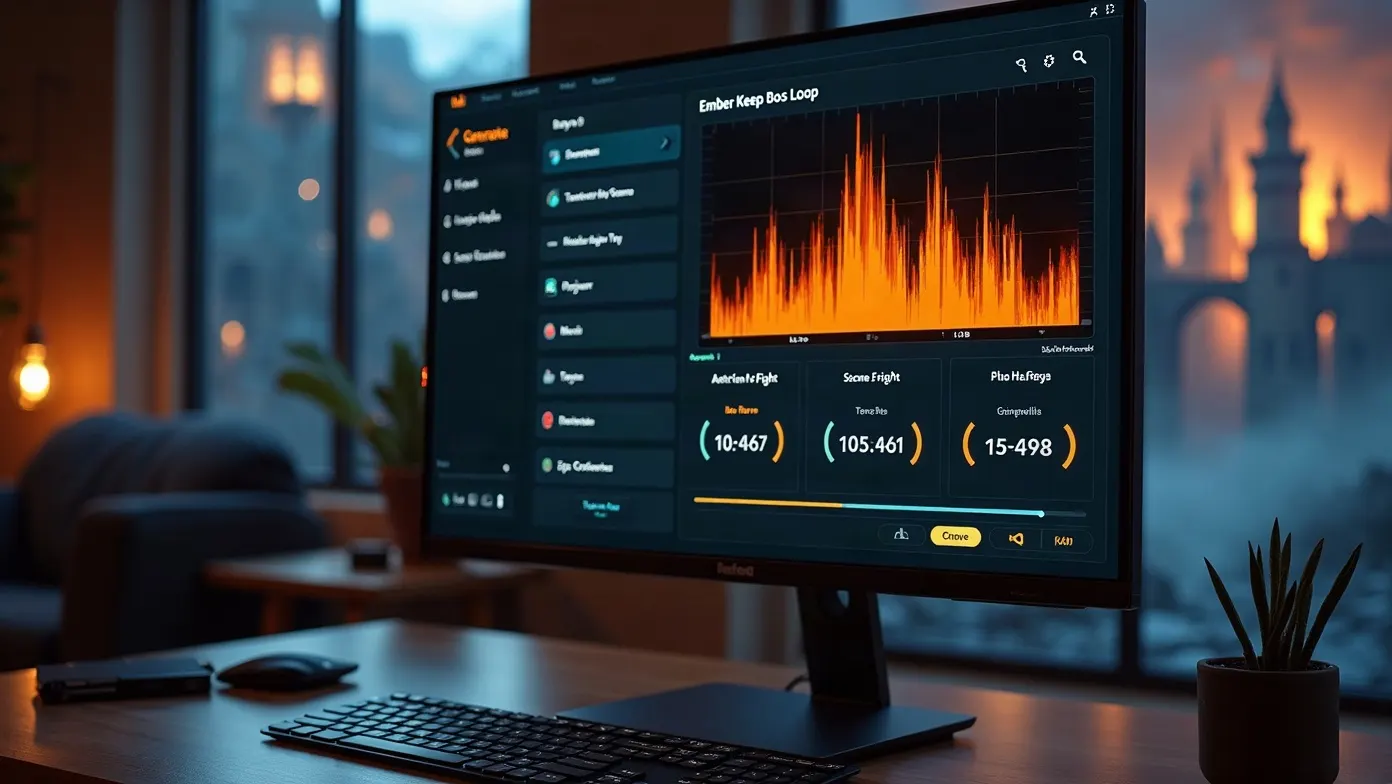
Game music maker interface generating a looping battle cue from a scene brief.
New-user free credits after sign-in
No composing skill needed
Scene-ready looping cues
Commercial rights on paid plans

How It Works

How This Game Music Maker Works

To make video game music, describe the game scene, choose a fitting style, generate a loop, then listen to it in context. This game music maker maps your scene notes to a musical direction, then generates a track you can preview and refine.

STEP 01

Describe Your Game Type, Scene, and Mood

Enter the game type, scene role, mood, and style. You can describe combat, exploration, a title screen, a dungeon, a village, or a boss fight. This is the first step in how to make music for a video game that actually matches the moment on screen.
STEP 02

Generate Matching Game Music

The video game music maker turns your brief into an original cue with melody, atmosphere, and a loop-friendly structure. Choose 8-bit, orchestral, cyber electronic, pixel adventure, or another direction that fits the world. This gives a video game music creator a fast starting point without requiring traditional composing skills.

STEP 03

Preview, Adjust, and Export

Listen to the result, then refine the style, mood, duration, or loop points. Export the finished track for a level, menu, trailer, prototype, or game build. This workflow shows how to create video game music you can move from idea to implementation without starting from a blank DAW session.

Styles & Scenes

Video Game Music Maker Styles and Scenes

A game cue works best when its sound matches both the world and the player state. Choose a style and a scene role before generating so the track has a clear purpose.

Scene Roles to Specify

Choose the scene role so the music supports what the player is doing.

Combat or battleExploration or overworldMenu, title, or pauseBoss fightVillage, dungeon, or hubVictory or fail sting

Game Music Maker Uses for Real Scenes

Use this game music maker when a scene needs its own cue. It can support combat, exploration, menus, world themes, and game-jam builds while showing users how to create game music through a simple scene-first workflow.

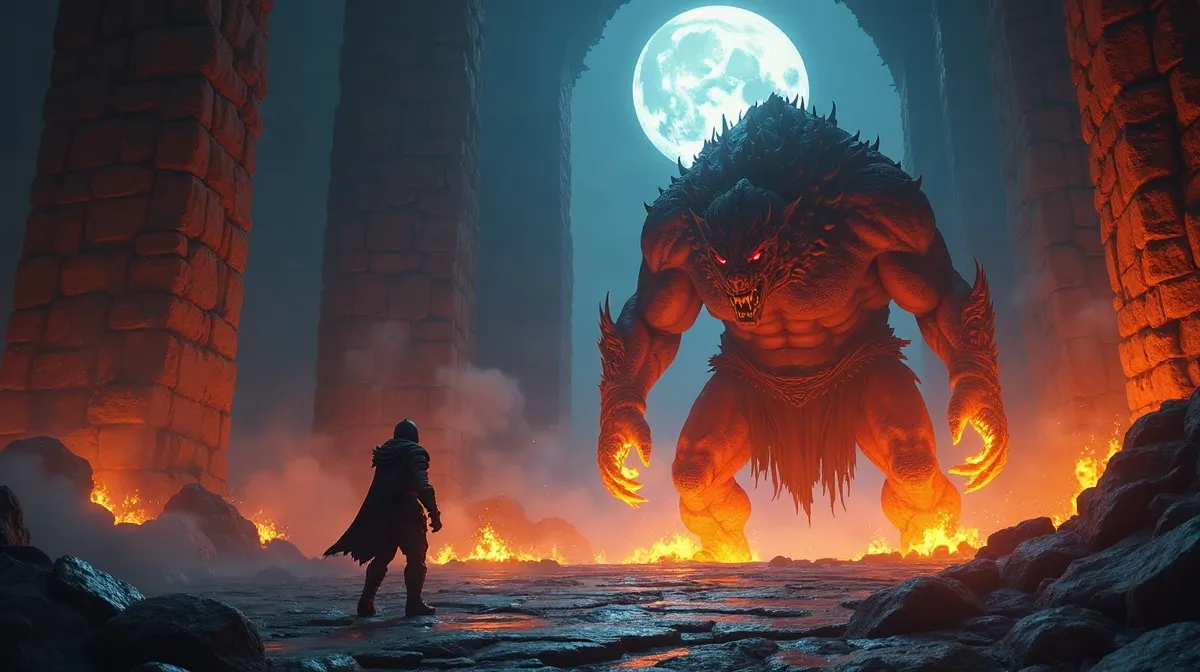
How to make video game music for a boss fight with a looping battle theme.

How to Make Video Game Music for Battles

Combat music needs energy without becoming repetitive or overwhelming gameplay. Use the game music maker to create driving battle loops for regular encounters, boss phases, and high-pressure sequences. It is a practical approach to how to make video game music that follows the intensity of the fight.

How to make game music for an exploration map with a calm looping bed.

How to Make Game Music for Exploration

Open maps, villages, and overworlds need music that remains comfortable for long sessions. This music maker for games can create calm loops with lighter arrangements and space for footsteps, dialogue, and environmental sound. That makes it useful for anyone searching how to make game music that supports exploration without dominating it.

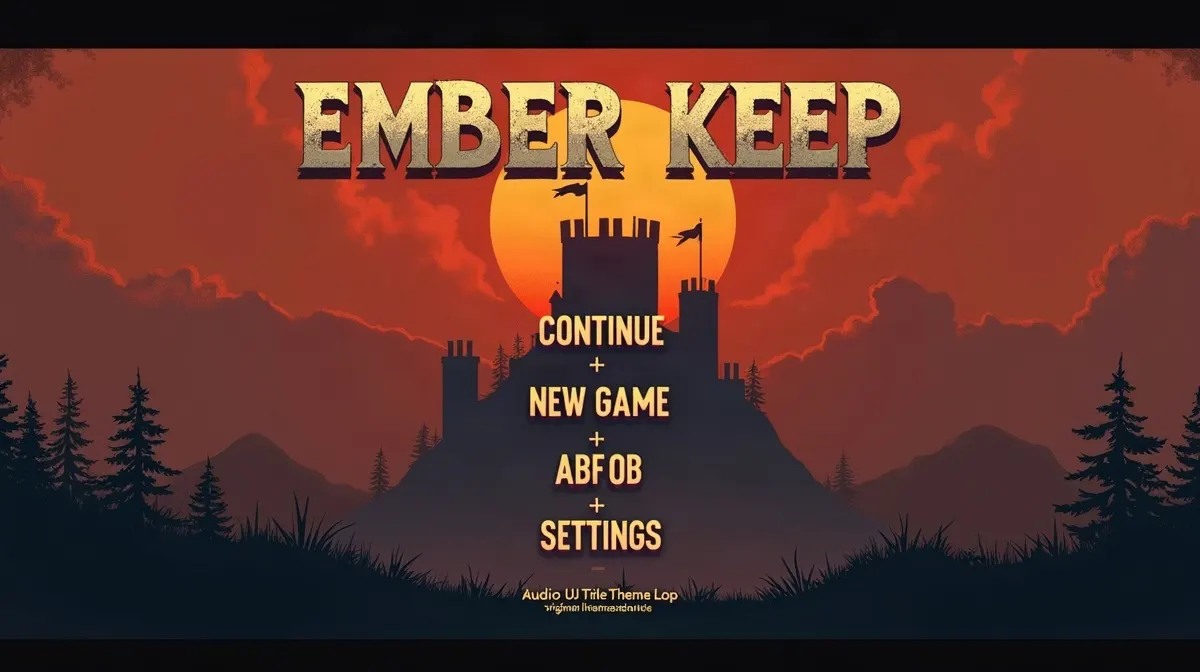
Game music maker creating a looping title screen theme for a video game menu.

How to Create Game Music for Menus

Title screens and pause menus often need short identity themes that can repeat without becoming tiring. A video game music creator can test several menu directions, then keep the one that best fits the game's visual world. This is a practical example of how to create video game music for a title screen, pause menu, or loading scene.

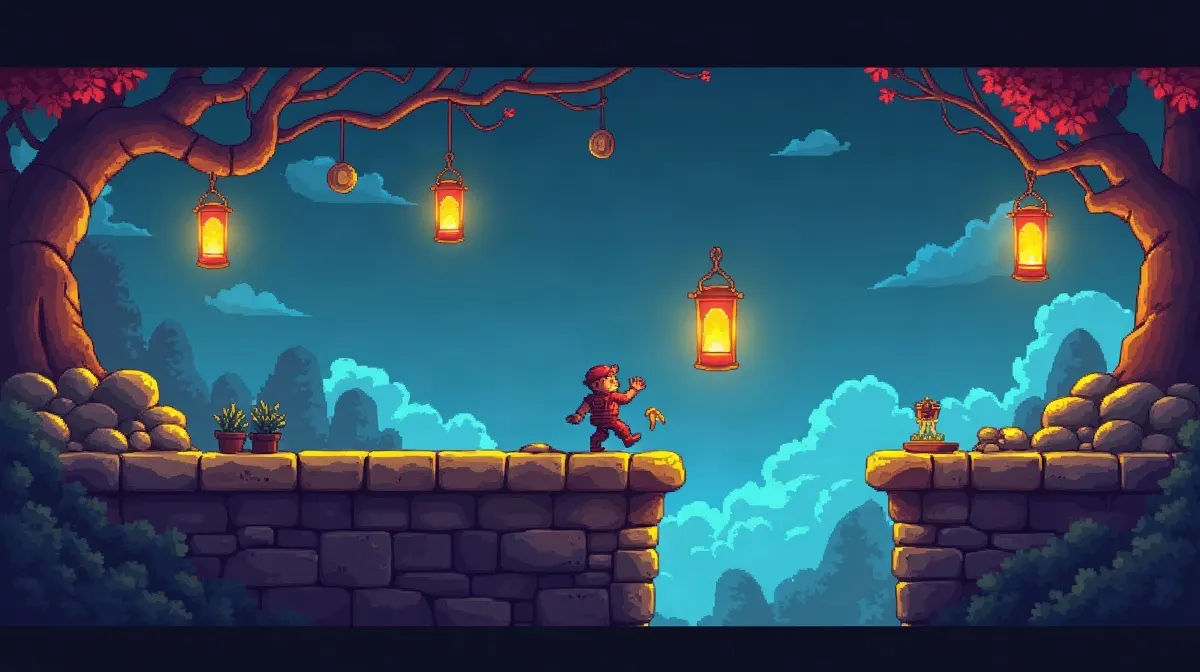
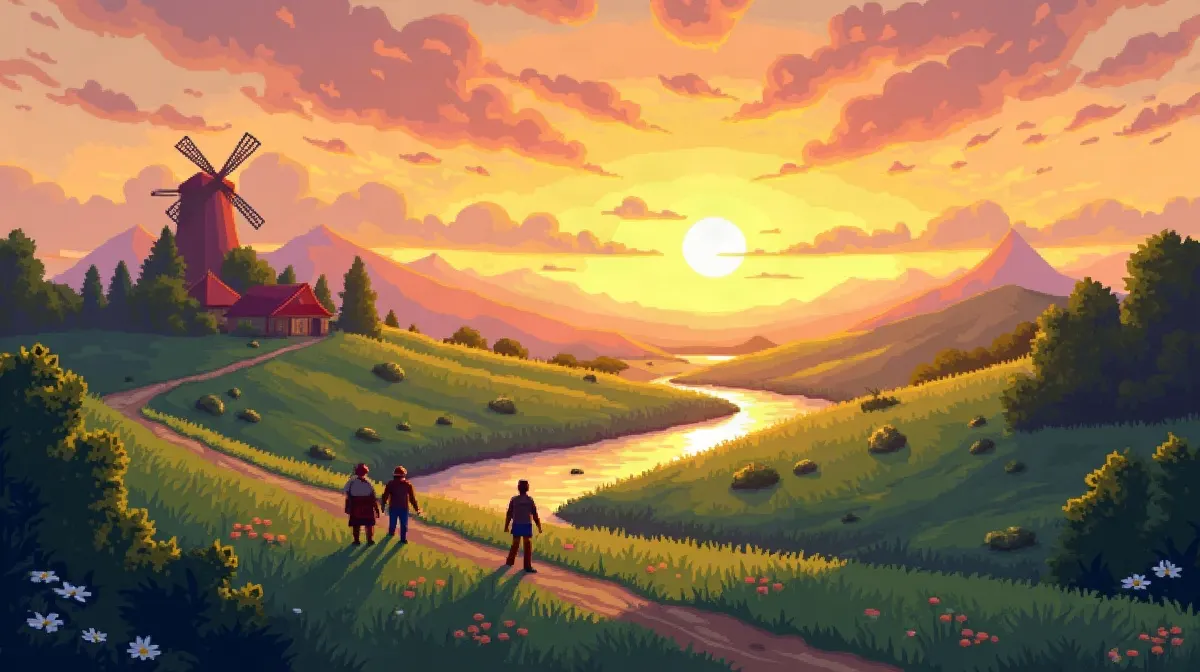
Game song maker creating 8-bit looping music for a pixel adventure level.

Game Song Maker for Pixel Adventure Worlds

Pixel platformers and retro-style games often need memorable world themes on a short deadline. Use the game song maker to create 8-bit or adventure-style cues, then test them in the level. This works especially well when you need original music quickly instead of searching through a shared asset library.

Example Workflows

Example Game Music Workflows

These workflows show how a simple scene brief can become a usable game cue. Start with the role of the music, then change the style, mood, and duration for your project.

ACTION RPG

Boss Fight Cue

Scene Brief
Action RPGburning keepboss fighttense and heroicepic orchestrallooping
Result direction

A mid-tempo orchestral cue with low strings, brass accents, and a rising section that can return to the beginning without a hard ending.

Why it helps

Boss battles can last several minutes. A final-song ending can break the sense of continuous combat.

Next step

Preview the loop, raise intensity if needed, and test it against sound effects.

PIXEL

Town Exploration Bed

Scene Brief
Pixel adventuredaytime villagepeacefullight melodylow percussionlooping
Result direction

A gentle world theme with a simple lead, light percussion, and enough space for NPC dialogue.

Why it helps

Players may remain in towns for a long time, so the arrangement needs to stay comfortable.

Next step

Keep the arrangement light and generate a calmer variation if it feels too busy.

GAME JAM

48-Hour Game Jam Soundtrack

Scene Brief
Title menuoverworldrandom battlesame world8-bit stylelooping
Result direction

Three related cues that share a recognizable motif while serving different scenes.

Why it helps

A small connected soundtrack can make a jam game feel much more complete without spending days composing.

Next step

Name files by scene, import them into the build, and test the full gameplay loop.

Why It Fits Games

Why This Game Music Maker Fits Games

This game music maker is built around scene fit, looping, and fast iteration. It is a practical music maker for games when stock music feels too generic and custom scoring takes too long.

Scene-Fit Music From One Brief

Describe the game type, scene, mood, and style, then generate a cue around that context. The goal is not to create a generic music track, but to create something that belongs in the specific game moment.

Learn How to Make Video Game Music Without a Full Studio

AIMakeSong works in the browser and offers new-user free credits after sign-in, making it easier to experiment without installing a DAW first. The workflow is simple: describe, generate, preview, refine, and export. This gives beginners a practical way to learn how to make video game music through examples they can hear immediately.

Faster Soundtrack Iteration

Generate a first version, listen to it inside the scene, then adjust the direction. You can test different styles, moods, lengths, and loop approaches without rebuilding every cue manually. This makes it easier to learn how to make game music by comparing real alternatives.

One Workflow Across Game Styles

Create retro 8-bit cues, epic orchestral themes, cyber electronic tracks, or pixel adventure music from the same workflow. The same video game music creator can support combat, exploration, menus, boss scenes, and world themes.

From Brief to Playable Music Without a Long Production Cycle

A dedicated composer can still be the best option for a large production or highly adaptive score. AIMakeSong is designed for creators who need original cues quickly and want to move from a scene brief to playable music without a long production cycle.

Game music maker workspace with a scene brief on the left and a looping waveform preview on the right.

Who Is This For

Who This Game Music Maker Is For

This game music maker is designed for people who need original game cues without building a full scoring team.

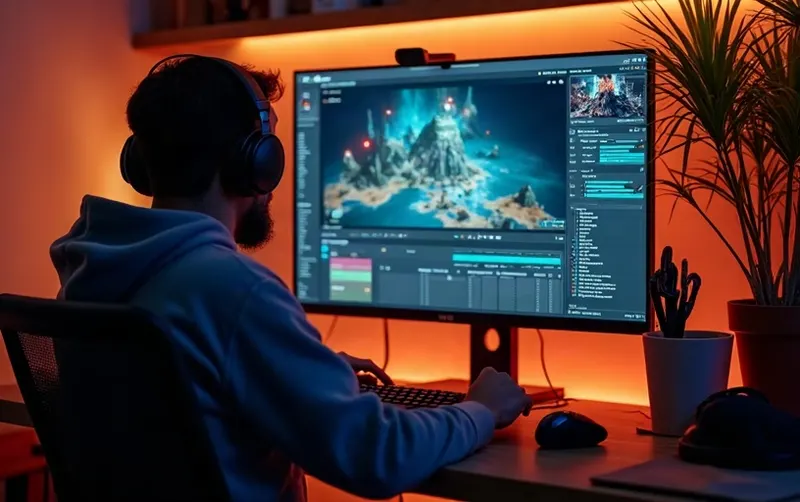
Indie game developer at a desk with a game engine and a music generation panel on screen.

Indie Developers

You are building a game in Unity, Unreal, Godot, or another engine and need music for your first playable build. Generate scene cues quickly, then keep the tracks that work best during playtesting.

Small game jam team collaborating around laptops with music cues on their screens.

Game Jam Teams

A 48-hour jam leaves little time for composing. Create a menu theme, exploration loop, and battle cue in one sitting, then spend more time improving the actual game.

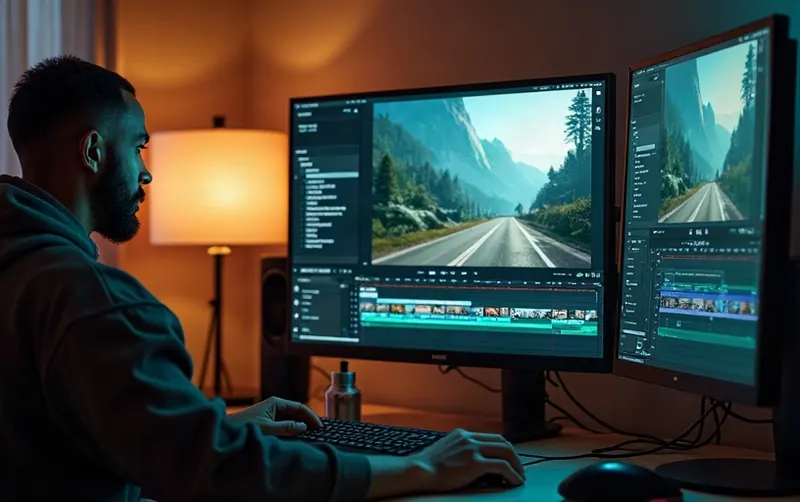
Video editor cutting a gameplay trailer on dual monitors with a matching music cue panel.

Trailer and Game Video Creators

You need custom music for a gameplay trailer, Steam teaser, devlog, or pitch video. Generate cues that match the visual world instead of relying on generic stock beds.

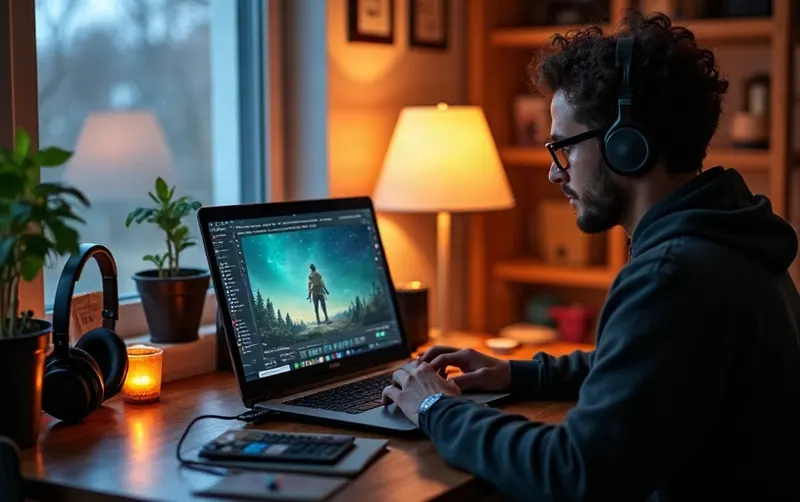
Hobbyist building a small game world on a laptop at a cozy home desk.

Hobby Developers and World Builders

You may be making a small personal game or prototype and still want custom music. Start with the scene and mood, then build a theme around the world you created.

Game Music Options Compared

Different projects need different scoring workflows. The right choice depends on your budget, deadline, and how much control you need.

OptionBest whenWatch-outs
Dedicated composerYou need a unique adaptive score for a large production.Higher cost and a longer production cycle.
Stock music packsYou need a temporary track today.The music can sound generic or already familiar in other games.
AIMakeSong game music makerYou need original scene cues quickly for prototypes, jams, or indie builds.Always test loops in your engine. Commercial use requires a paid plan.

A dedicated composer can still be the best option for a large production or highly adaptive score. AIMakeSong is designed for creators who need original cues quickly and want to move from brief to playable music without a long production cycle.

Sample Testimonials

These are sample testimonials for prototype and demo layout only. They are not verified customer quotes and should not be presented as real customer reviews until genuine feedback is available.

I needed a fight loop before a playtest. This game music maker gave me several combat directions in one night, and I could compare them directly in the arena.

Alex R.
Sample indie developer

I was stuck on how to make video game music for a quiet forest map. The calmer version finally left enough room for footsteps and dialogue.

Priya S.
Sample level designer

We used the game music maker for a jam title theme and a battle cue. It gave the build a much stronger identity.

Mateo L.
Sample game-jam teammate

I use it as a video game music creator for trailer drafts. I can try two moods quickly, then cut the video around the stronger cue.

Jordan K.
Sample trailer editor

Stock packs all sounded too familiar for our desert hub. The game music maker let us describe the environment and work from a more specific musical direction.

Sam C.
Sample hobby developer

The useful part of how to create game music is starting with the brief. I can hear a usable idea the same day instead of beginning with an empty project.

Riley N.
Sample hobby creator

Game Music Maker Questions

Direct answers about game music creation, loops, commercial use, and importing music into a project.

A game music maker generates original background music based on a game's type, scene, mood, and style. AIMakeSong is designed for cues such as combat music, exploration themes, title screens, boss scenes, and other game moments.

Start with the scene instead of music theory. Describe the game type, moment, mood, and preferred style, then generate and preview the result. This workflow gives you a practical starting point for how to make video game music without composing every note manually.

Start by defining what the player is doing. A boss fight may need more tension, while an overworld may need a lighter arrangement. Choose the scene role first, then generate variations until the music supports the gameplay. This is a practical workflow for how to make music for a video game that feels connected to the world.

A video game music maker is a tool that helps create music specifically for games rather than generic standalone songs. It can be used for menus, combat, exploration, boss fights, world themes, and other gameplay situations where the music needs to support the scene.

A video game music creator develops music that matches a game's world, gameplay state, and mood. With AIMakeSong, you can describe the scene and style, generate a cue, then preview and refine the result before using it in a project.

Not always. Some people search for game song maker when they want a complete song with vocals or a traditional verse-and-chorus structure. This page focuses on instrumental soundtrack cues for games, such as menus, combat, exploration, and world themes.

Describe the game type, scene, mood, and style, then generate several directions and keep the version that best fits the gameplay. This is a straightforward way to learn how to create video game music while working on a real project.

Start with the scenes that need music most: title screen, exploration, combat, boss fight, or victory. Create a simple cue for each role, then make the styles feel related so the game sounds like one world. This gives you a practical workflow for how to create game music for a small project.

Paid AIMakeSong plans provide commercial usage rights under the applicable AIMakeSong terms. Check the current plan and licensing terms before publishing a commercial project. Free usage and paid usage may have different rights.

The workflow is designed for looping game cues. You can request a loop-friendly structure, preview the restart point, and adjust the loop before exporting. Always test the final file inside your engine because playback settings can affect how a seam sounds.

Keep the musical phrase structured so its beginning and ending can reconnect naturally. Avoid overly final endings for long gameplay beds, then test the restart point inside the actual level. This is one of the most important parts of learning how to make video game music for games rather than standalone listening.

Generate the instrumental cue, download the finished file, and import it into your game engine. Common formats such as MP3 and WAV are widely used for game audio workflows, but the exact import settings depend on the engine. The game music maker creates the music; your engine controls playback and looping.

AIMakeSong offers new-user free credits after sign-in so you can try the workflow. Extra generations use credits. Commercial usage and other paid features depend on your current AIMakeSong plan and terms.

No DAW is required for the basic generation workflow. You can create a cue in the browser, preview it, and export the result. Additional music software is optional if you want to make your own edits afterward.

Game Music

Create Looping Game Music Now

Open the game music maker, describe a scene, and generate a cue you can preview in minutes. Start with new-user free credits after sign-in, explore different styles and scenes, and upgrade when your project requires paid features or commercial usage rights.