Free Daily Credits After Login

Song to InstrumentalConverter

Use AIMakeSong's instrumental maker to remove vocals from a song and create a clean backing track online. Upload your music, let AI process the audio, then preview and download the instrumental version for covers, karaoke, practice, videos, remixes, or music ideas.

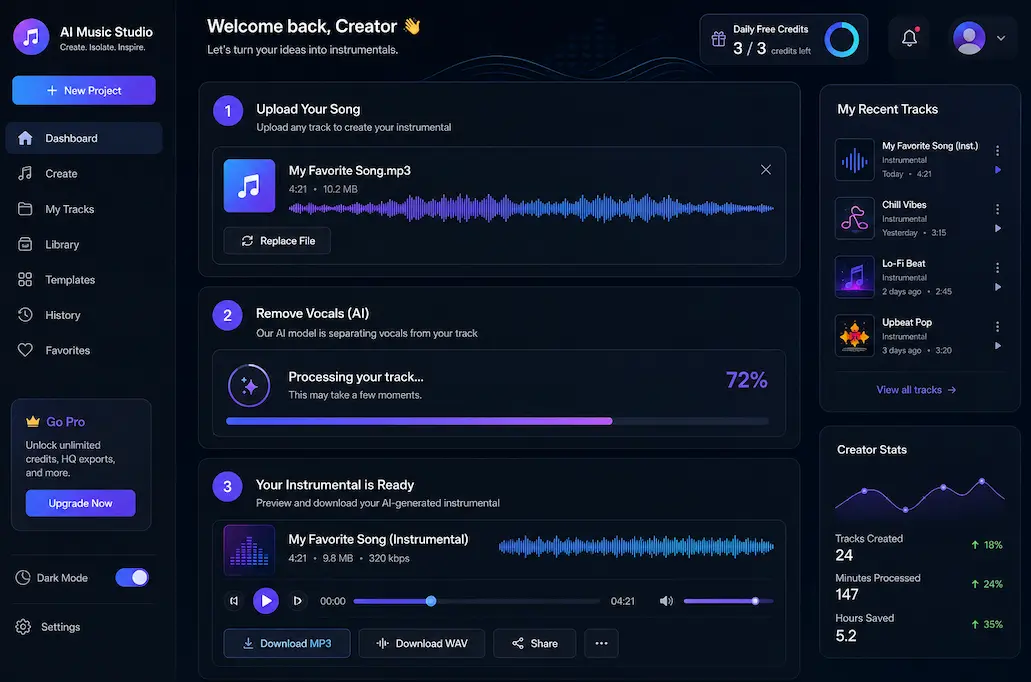
Online music tool showing a song upload area, waveform preview, and instrumental download button

Processing

73%
Free daily credits after loginAI vocal reduction and instrumental outputBrowser-based workflowPreview before downloading
Simple Workflow

How to Make a Song Instrumental Online

If you want to convert song into instrumental online, AIMakeSong gives you a simple three-step workflow from upload to download. You do not need to edit stems manually or learn a full audio workstation.

Use Cases

Create Instrumental Tracks for Different Projects

Sometimes the original instrumental version is unavailable, low quality, or difficult to find. AIMakeSong gives you a faster way to create a usable backing track from an existing song, so you can focus on the project instead of searching for the right version.

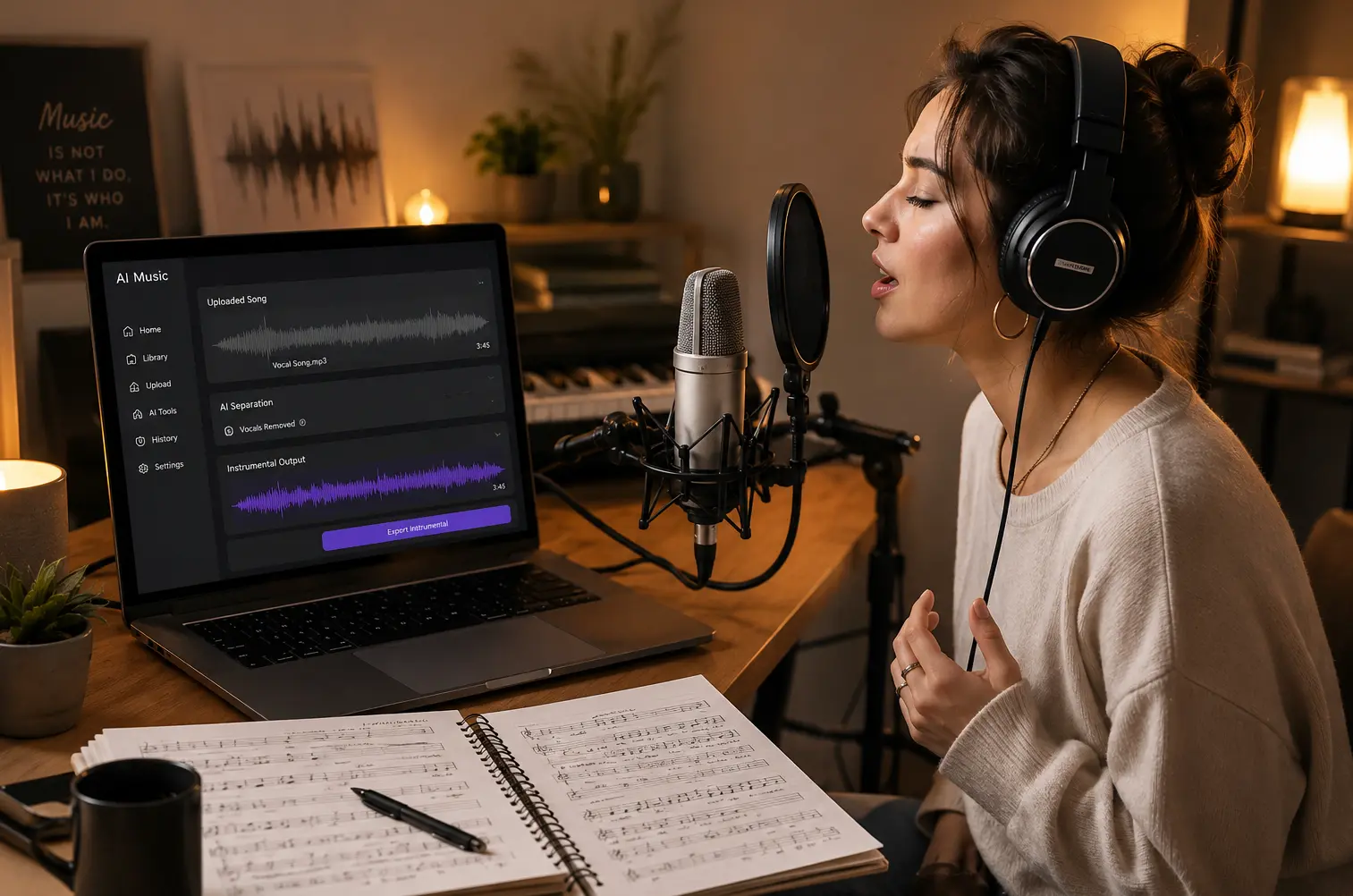
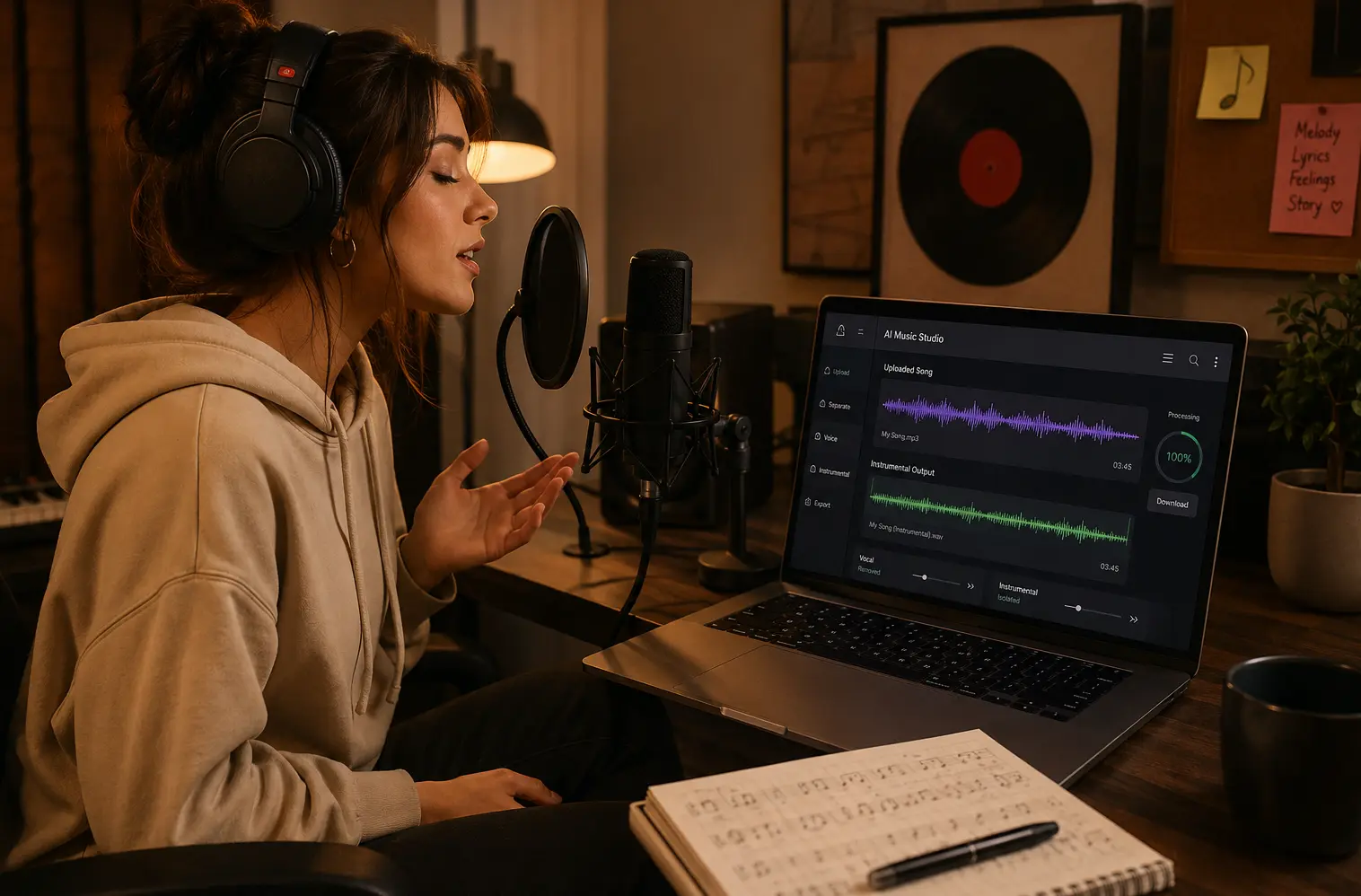
Singer practicing with a laptop that shows an instrumental track waveform

For Singers and Cover Artists

Prepare instrumental versions for covers, auditions, rehearsals, or short-form performance videos. Instead of searching across multiple sites for a usable backing track, upload the original song and create a version you can practice with. This helps you focus on melody, timing, phrasing, and vocal delivery.

Karaoke practice setup with a microphone, speakers, and instrumental track preview

For Karaoke Fans and Music Learners

If you want to know how to get the instrumental of a song, AIMakeSong gives you a direct way to generate one from your own audio file. Use the result for private karaoke, music lessons, school performances, rehearsal sessions, or casual practice at home.

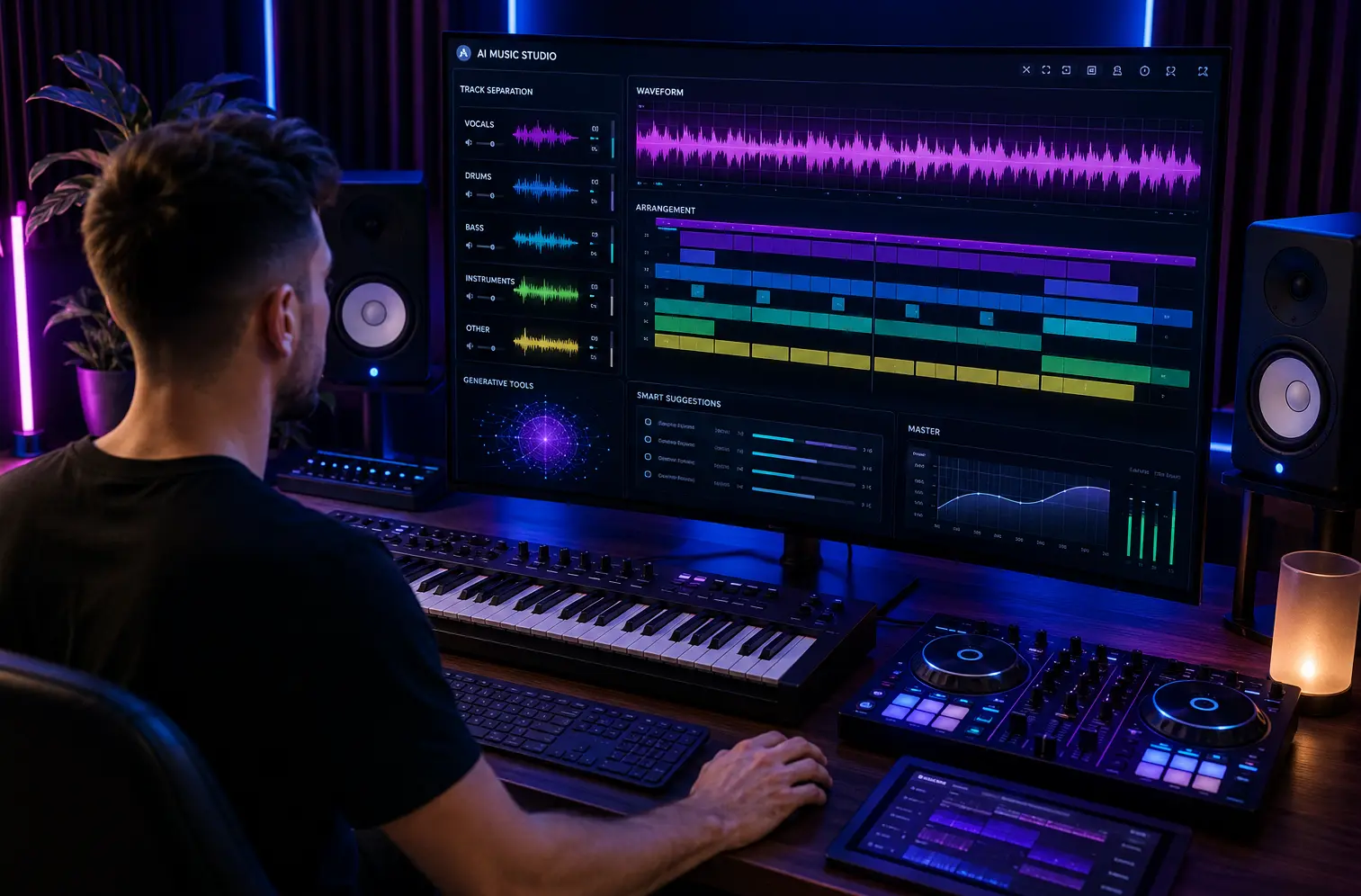
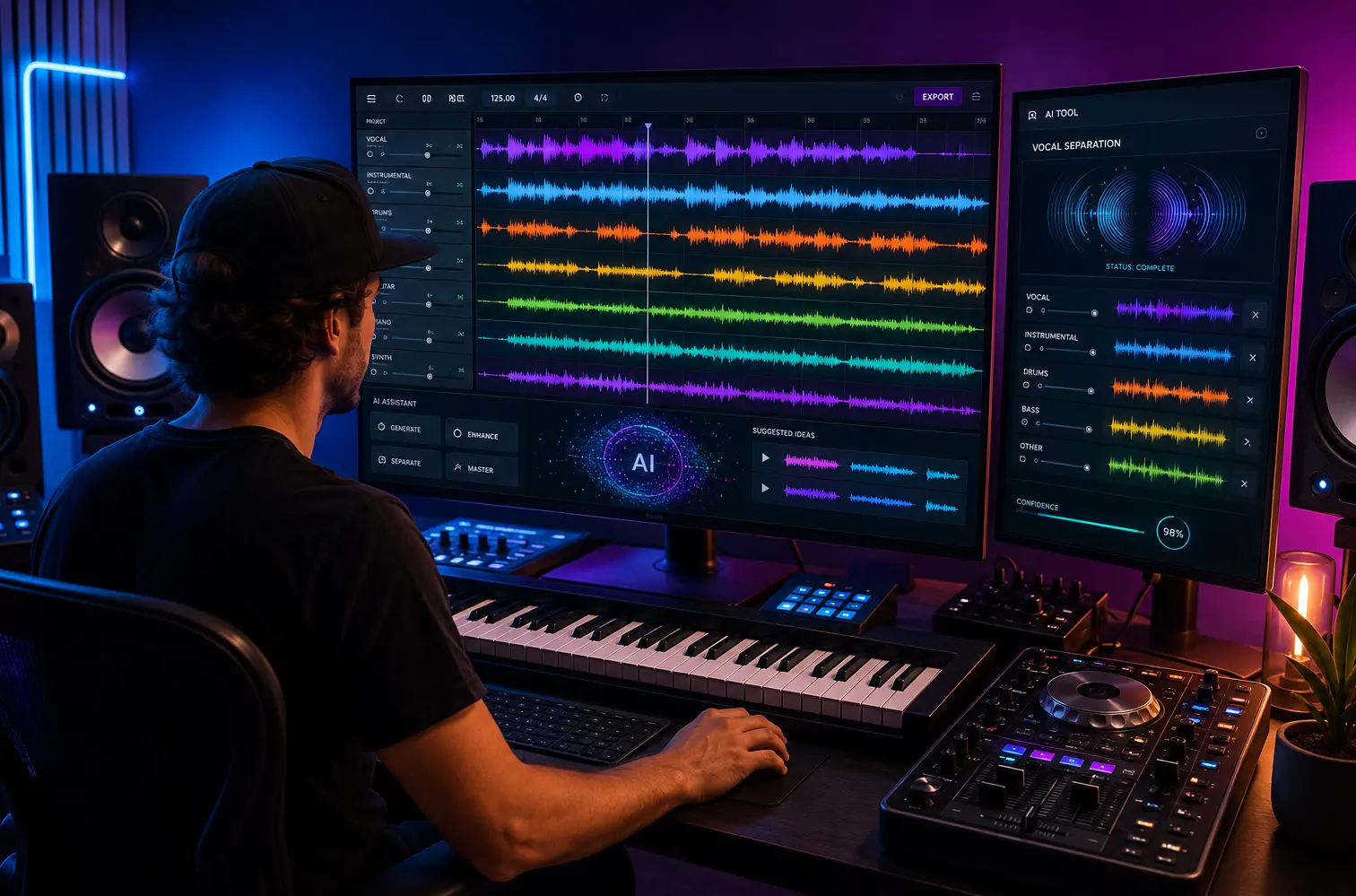
Music producer reviewing separated audio layers for a remix draft

For Producers and Remix Creators

Producers can turn song into instrumental online to study arrangement, drums, bass, chords, and background layers without the main vocal dominating the mix. This is useful for remix planning, DJ edits, beat references, mashup drafts, and early-stage music ideas. Generate a rough instrumental version first, then continue refining it in your preferred production software.

Video editing timeline using an instrumental music layer under a voiceover track

For Video Creators and Editors

Video creators can turn music into instrumental when they need background audio that does not compete with narration, dialogue, or voiceover. Use the instrumental result for intros, montages, tutorials, trailers, Shorts, Reels, TikTok drafts, and other video projects where a cleaner backing track works better.

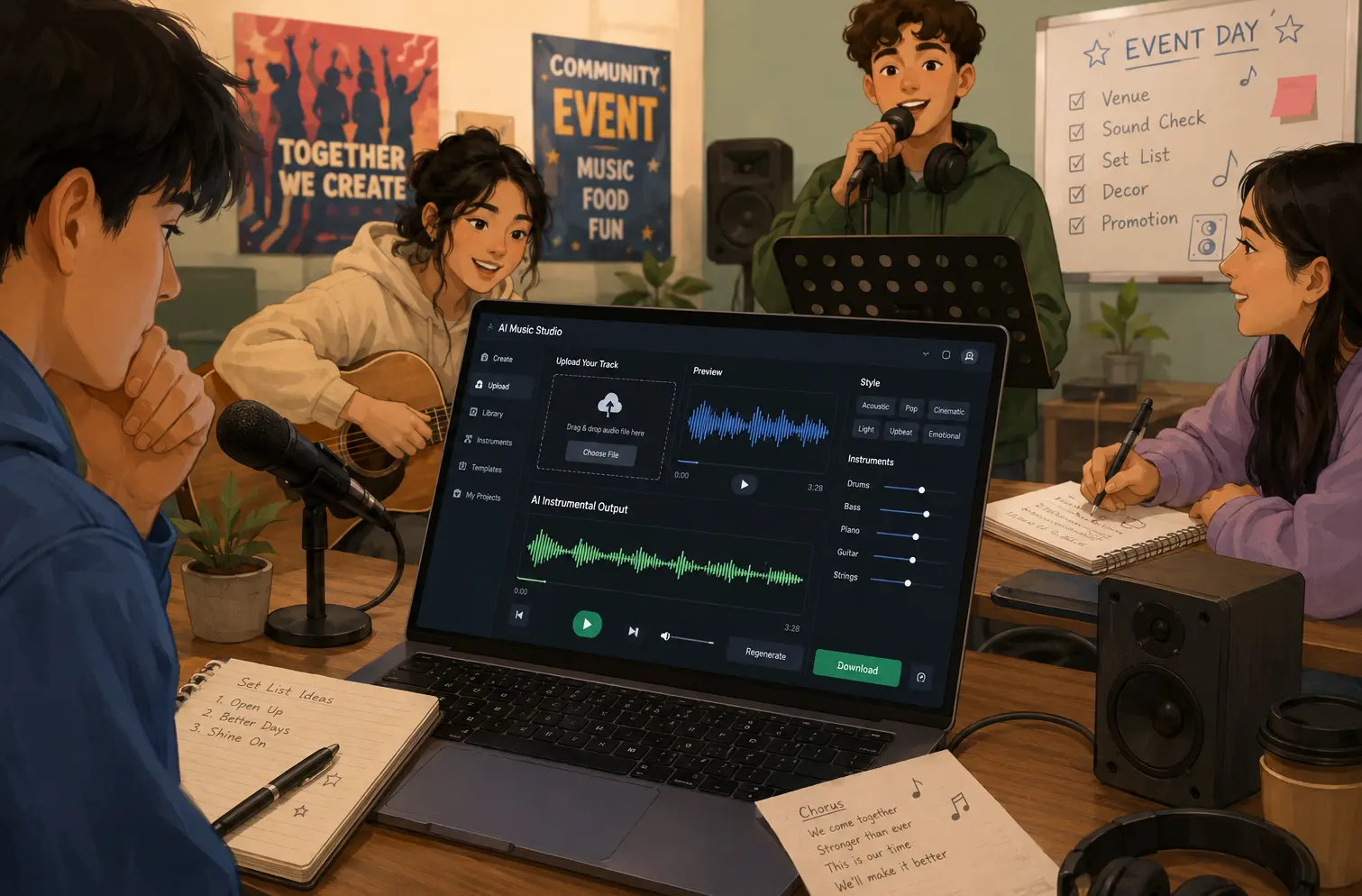
Group preparing backing tracks for a rehearsal using an online music tool

For Teachers, Event Organizers, and Content Teams

Teachers, workshop hosts, event organizers, and small content teams can use AIMakeSong to prepare backing tracks for rehearsals, class activities, demos, or live event planning. This is helpful when the team needs a quick working version before a class, practice session, presentation, or performance.

Product Advantages

Why Use AIMakeSong Instrumental Maker?

AIMakeSong is built for users who want a simple AI instrumental tool to create instrumental tracks online. The product focuses on ease of use, AI-assisted vocal reduction, browser access, and free daily credits after login.

AI Vocal Reduction

The tool uses AI to reduce the main vocal layer and preserve the backing music where possible. This helps users create practice tracks, draft instrumentals, and background music without manual stem editing.

Online Instrumental Creation

You can create instrumental from song directly in your browser. Upload your track, generate the instrumental version, preview the result, and download it without switching between multiple tools.

Free Daily Credits After Login

Logged-in users can claim daily free credits, so they can test the tool before deciding whether they need more usage.

Faster Starting Point for Creative Work

AIMakeSong helps you quickly generate a first instrumental draft for rehearsal, video editing, remix planning, or demo preparation. The result can be used as a starting point and refined further if needed.

Works With Other Music Creation Needs

After creating an instrumental track, you can continue building your music project with other AIMakeSong tools, such as AI song generation, backing track creation, or lyric-to-song workflows.

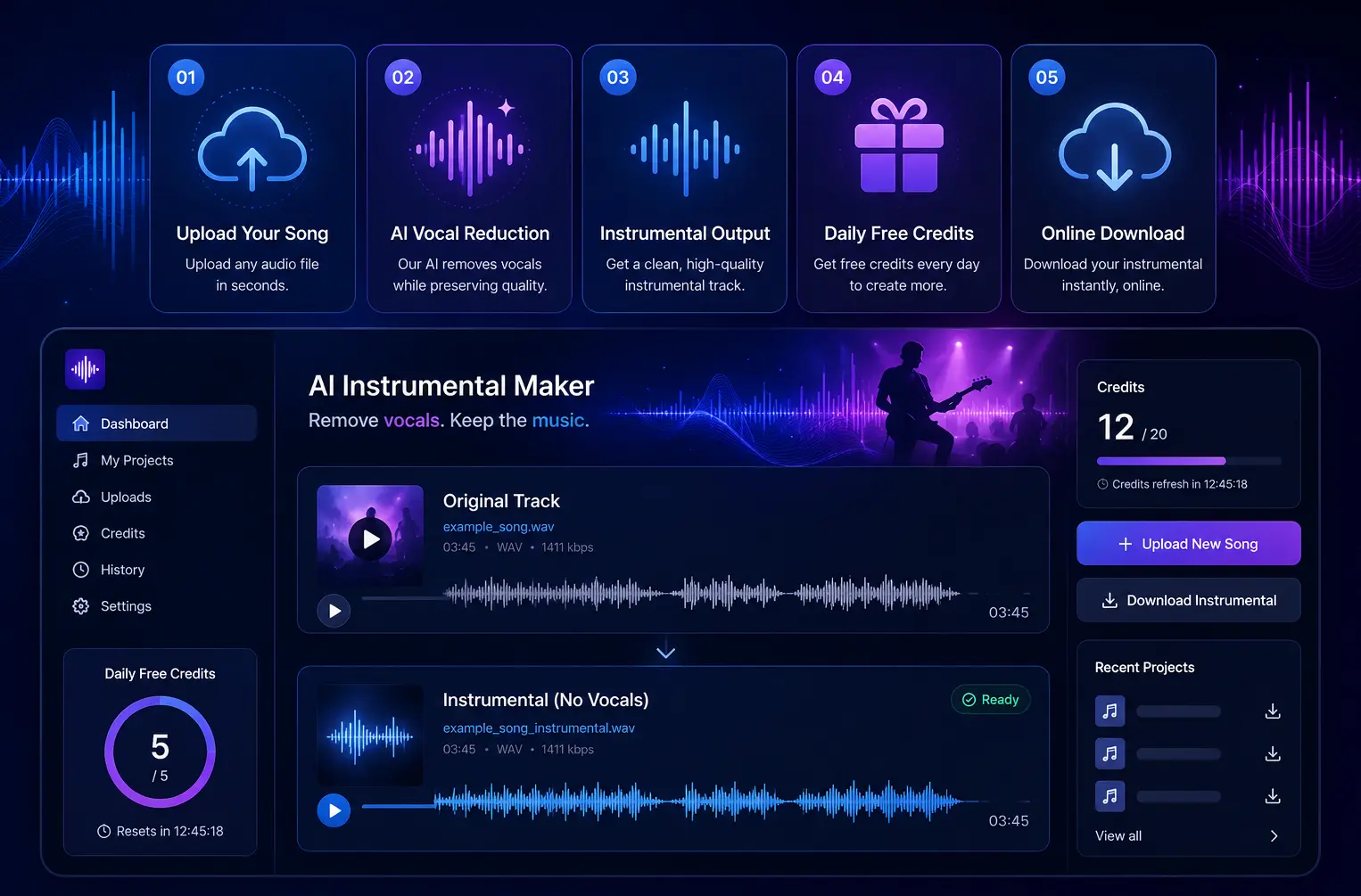
Feature Visual

Create, preview, and download a cleaner instrumental workflow.

Upload a song, reduce the vocal layer, check your daily free credits, then save a browser-ready backing track.

Product interface showing song upload, vocal reduction progress, preview player, and free credit counter

What Creators Say

Realistic creator feedback for instrumental practice, karaoke, video editing, remix planning, and rehearsal workflows.

Maya L.
Cover Singer

I used AIMakeSong to prepare instrumental tracks for 12 cover practice sessions in one afternoon. It saved me from searching for separate backing tracks each time.

Jordan P.
Video Creator

Cleaner background music in minutes. I used it for three short video drafts this week.

Leo M.
Producer

I use instrumental versions to study arrangement and rhythm before building remix ideas. AIMakeSong gives me a fast starting point before I move into my DAW.

Priya S.
Music Learner

The upload and preview flow was easy. I made a karaoke practice track without needing to learn editing software.

Chris D.
Karaoke User

The daily free credits made it easy to test first. I processed a few rehearsal tracks before deciding whether I needed more usage.

Daniel M.
Karaoke Enthusiast

I used AIMakeSong to turn a song into an instrumental for a karaoke practice session. The process was simple, and the backing track was ready quickly without needing any audio editing software.

Instrumental Maker FAQ

Yes. After signing in, users can claim daily free credits and test the instrumental maker before deciding whether they need more usage.

Upload your track, choose the instrumental option, and let AIMakeSong process the audio. You can preview the result and download the instrumental version if it fits your needs.

If the official backing track is unavailable, you can upload your audio file to AIMakeSong and create an instrumental from the song using AI vocal reduction.

Yes. AIMakeSong lets you turn a song into instrumental online through a browser-based workflow. Upload the file, process it with AI, preview the output, and download the backing track.

Yes. You can use the instrumental output for karaoke practice, cover songs, rehearsals, video background music, remix drafts, and other creative projects.

You can try many types of songs, but output quality depends on the original mix. Songs with heavy reverb, layered vocals, live recordings, or loud background effects may be harder to separate cleanly.

AIMakeSong supports common audio formats such as MP3 and WAV. For the most accurate format list, check the upload page before processing your file.

Start Making Instrumentals Online

Use AIMakeSong to remove vocals, create instrumental tracks, and prepare backing audio for covers, karaoke, videos, remixes, rehearsals, and music ideas. Sign in to claim daily free credits and try the tool before paying for more usage.