Record your voice · sing your AI songs in your voice
Use your own voice only
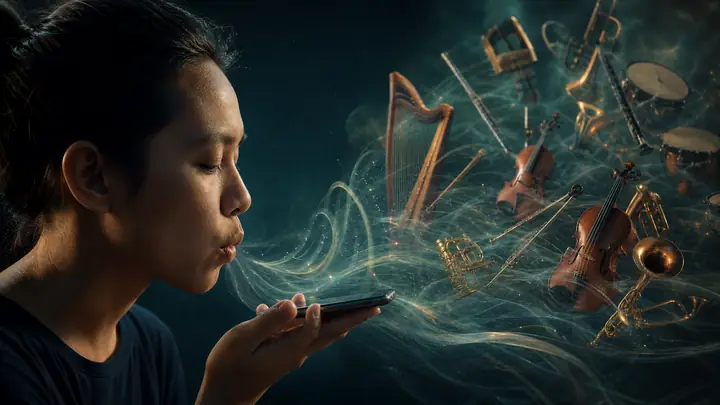
Record only your own voice. Do not use someone else’s voice, celebrity voices, or copyrighted vocal performances. This feature turns your AI-generated songs into performances sung in your voice.
If it doesn’t sound like you
- Record in a quiet room and stay close to the mic.
- Use one clear, steady voice for about 10–30 seconds — avoid noise, echo, and overlapping voices.
- Not happy with the result? Create another voice with a clearer take or a different read-aloud script, then compare.
- Hearing two singers in one song — one like you, one like someone else? When generating, pick Solo Singer or Lead Vocal under Voices.
- Also add [solo singer] at the start of your style prompt so the model sticks to a single lead voice.
1. Your Voice Recording
Record your own voice only · clear single-person voice · no background music · aim for 30s+ (min 10s, max 2 min)
Recording Tips — for best results
- ✓ Speak clearly, at a natural pace
- ✓ Record in a quiet room with no background noise
- ✓ Duration: aim for 30s+ · minimum 10s · up to 2 min
- ✓ Stay close to the microphone, single speaker only
- ✗ No background music, echo, or multiple voices
You can read this aloud:
Read aloud below (~15–20s). Tap “Another sample” for another sample; keep recording to 30s+ if you can.
Hello, my name is [your name]. Today I am recording a clear sample of my natural voice. One, two, three, four, five, six, seven, eight, nine, ten. I love music because it makes mornings brighter. The quick brown fox jumps over the lazy dog. Please keep a steady pace and speak clearly.
Microphone
Multiple mics detected on some machines — enable access to pick the right input before recording.
Generating once costs 30 credits
Credits are only charged when your voice is created successfully. Failed attempts are not charged.
More tools
Explore more AI tools
Make music, video, and images in one place — swipe to try the next tool.