


Step 1
Add Your Audio
Drag your file into the editor, or click to browse from your device. It supports MP3, WAV, M4A, and OGG, so you can start to cut audio from almost any track right away.
Turn any full track into a short, clean clip in three simple steps. Use this music cutter online to shorten songs, trim voice notes, or pull a podcast highlight—right in your browser, with nothing to install. It works with MP3, WAV, M4A, and OGG, runs 30–70% cheaper than most paid desktop editors, and gives you free daily credits once you log in.
Trusted by 1,756,659+ creators
Choose an audio file, drag the yellow handles to select the part you want, preview it, then export a clean WAV clip.
You can cut audio without any experience. This music cutter online keeps the flow visual and clear, so a full track becomes a clean clip in under a minute.
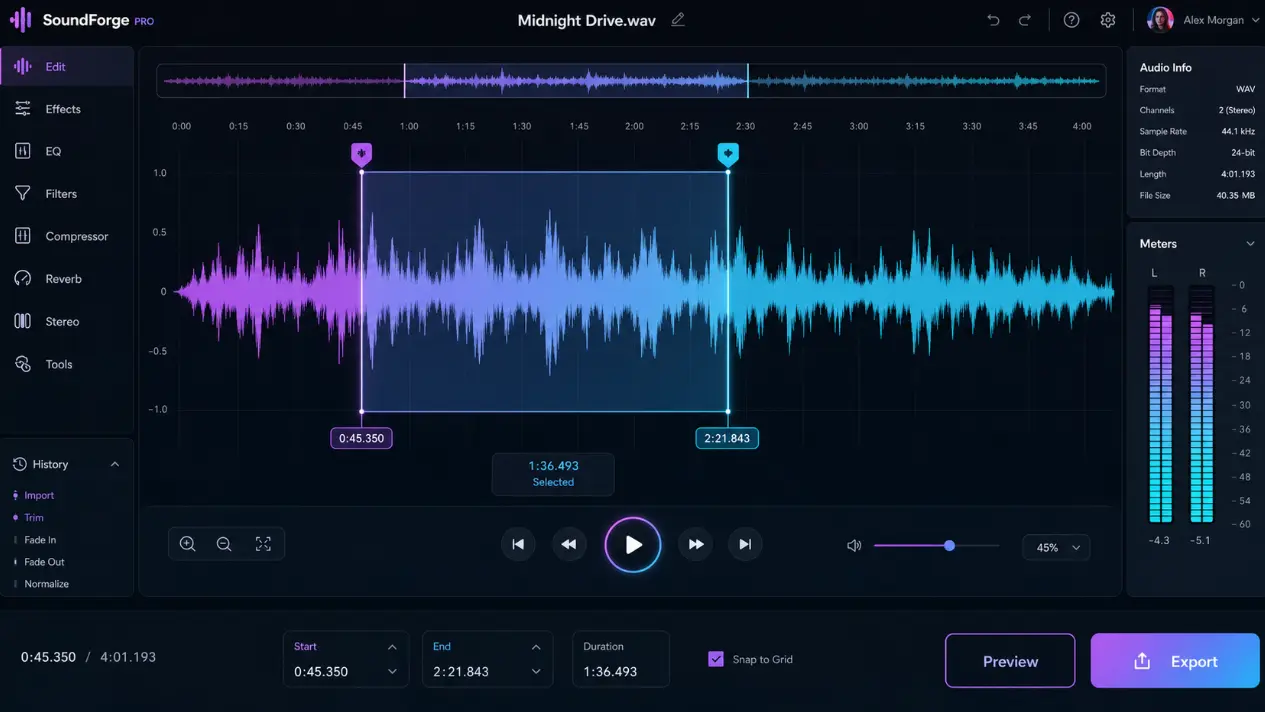
Step 1
Drag your file into the editor, or click to browse from your device. It supports MP3, WAV, M4A, and OGG, so you can start to cut audio from almost any track right away.
Step 2
Use the two handles on the sound wave to mark the start and end. As a visual song trimmer online, it lets you see exactly what you keep before you commit.
Step 3
Play the selected part to make sure it sounds right. When you are happy, cut audio and export your clip with one click. You can shorten songs and use them for ringtones, videos, or personal projects right away.
See how people use AI Make Song to cut audio for daily tasks, content, and music. This music cutter online fits songs, podcasts, and video-ready sound clips with ease.
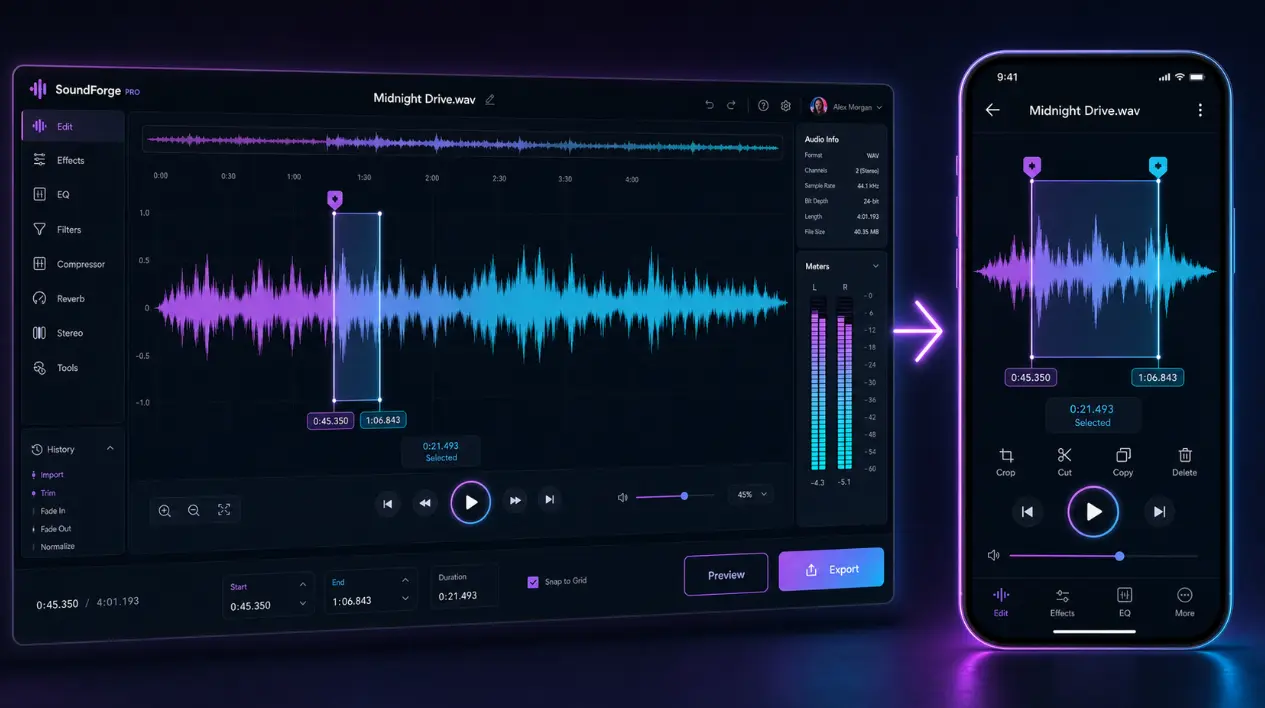
Pick the best part of a track and cut a song down to just the moment you love. Load the file, drag the handles, and cut audio into a clean segment you can save for a ringtone or a personal playlist. It even works as a quick song shortener.
Cut a Song Now →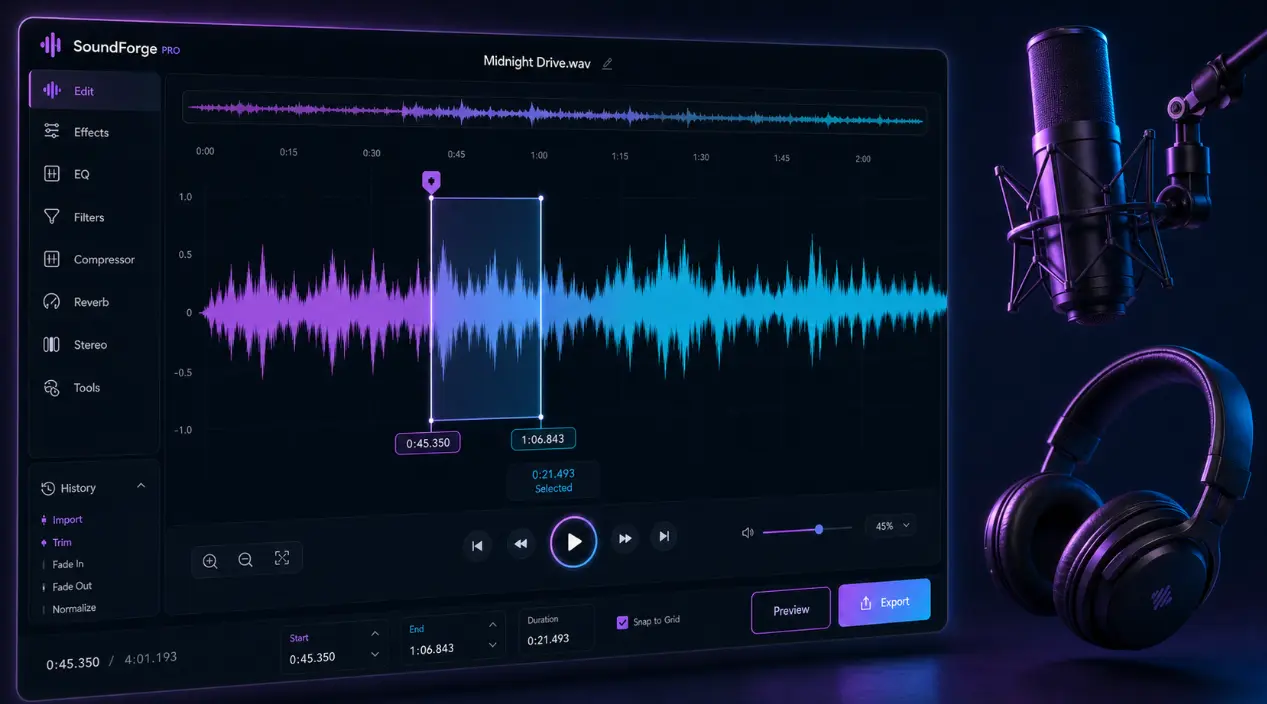
Remove dead air, cut mistakes, or grab a strong quote from a long show. As a handy song trimmer online, this tool lets you cut audio from spoken recordings and save clean highlights for promos or social posts in just a few clicks.
Trim My Podcast →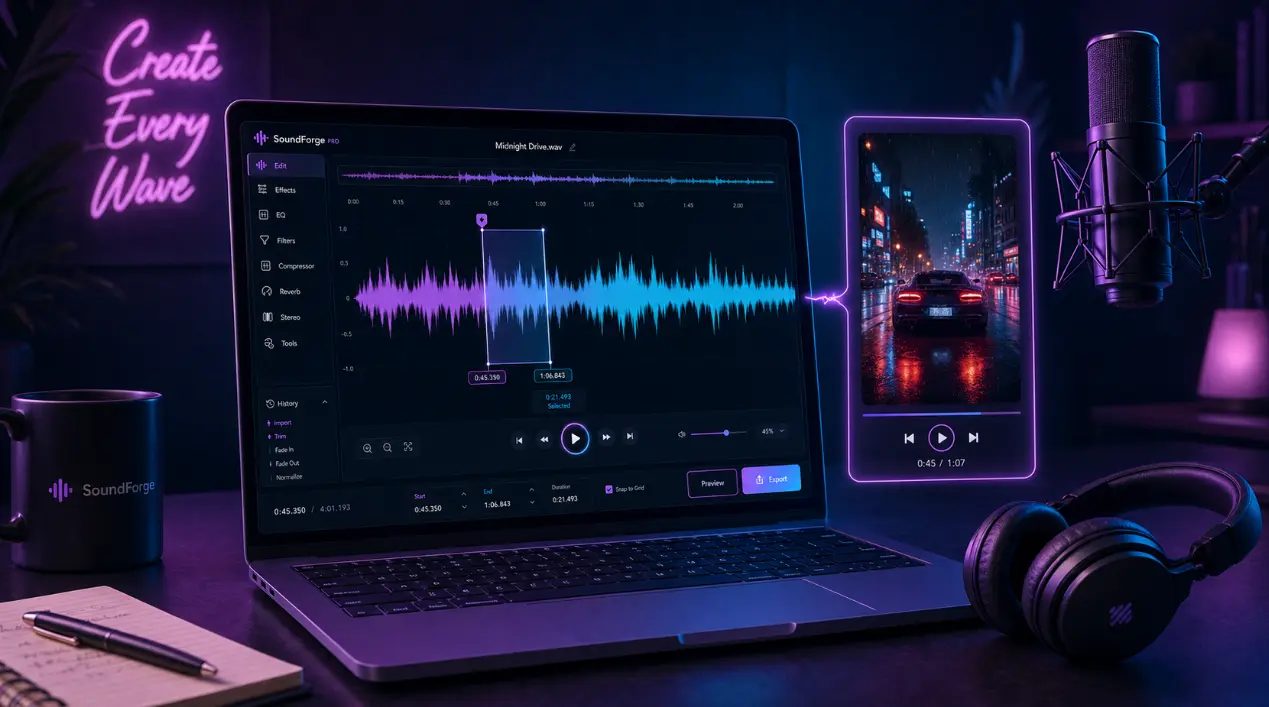
Need a short sound bite for a reel, a short, or a video intro? Cut music online to the exact length you want, then drop it into your video editor. You can cut audio, shorten songs, and match the clip to your scene in seconds.
Cut a Clip Free →It's built to keep your workflow simple. You get a faster path from a full track to a clean clip, plus plans that cost less than many premium editing tools.
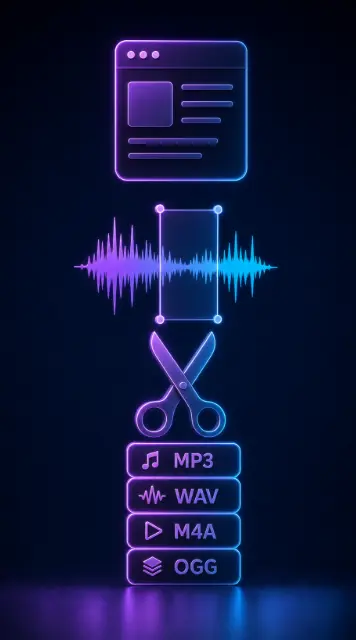
Open your file and start editing right away. There is nothing to download and no long setup. When you want to cut music online, you drag two handles across the sound wave, listen to the part you picked, and export a clean clip in seconds.
Desktop editors can be pricey and hard to learn. AI Make Song runs in your browser, so it stays 30–70% cheaper than most paid apps. It works as a friendly song shortener for anyone, and you get free daily credits after you log in—no card needed to cut audio and try it out.
You never have to guess where to trim. The visual sound wave shows your whole track, so you can drag the handles to the exact spot and preview it before you export. As a precise song trimmer online, it helps you cut a song cleanly the first time, with no rough edges.
From music to film audio, AI Make Song covers it. Use it as a soundtrack cutter to trim theme music and background scores for your videos, or switch to its audio cutter and looper mode to slice a hook and repeat it. One browser tab lets you shorten songs, cut audio for video, and build loops without extra apps.
From daily tasks to publishing, AI Make Song fits different creative jobs. Reach for it whenever you need a music cutter online that feels quick and flexible.
Cut audio and shorten songs to the exact length your reel or short needs, then drop the clip straight into your video editor.
Use it as a song trimmer online to cut long episodes into short promo clips, with the waveform showing exactly where to trim.
Cut a song into loops, hooks, and demo parts. As an audio cutter and looper, it isolates a section so you can build ideas fast.
Make ringtones, trim voice notes, or save a favorite moment. Cut audio in seconds with no editing skills needed.
Faster cuts, cleaner clips, and less fuss before you publish. That is why creators reach for AI Make Song when a track needs trimming fast.

“I use AI Make Song every week to cut audio for my videos. I upload a track, grab the part I need, and export it in under a minute. It saved me from paying for a heavy editor.”

“As a podcaster, I needed a fast song trimmer online for my show. This tool lets me cut long episodes into short promo clips, and the waveform makes it so easy to find the right spot.”

“I make short beats, so I love that I can cut audio and loop a section right away as an audio cutter and looper. No install, no fuss—it runs in my browser and still feels precise.”
More tools
Make music, video, and images in one place — swipe to try the next tool.

Turn a prompt into a full original song in minutes.
Open
Paste a story or idea and generate a complete track.
Open
Write verses, hooks, and choruses with AI.
Open
Hum a melody and turn it into a finished song.
Open
Cover any song with a new voice or style.
Open
Split vocals from the instrumental in one click.
Open
Separate vocals, drums, bass, and more.
Open
Turn your track into a cinematic music video.
Open
Make a video from photos with music.
Open
Generate cover art and visuals from a prompt.
Open
Restyle a photo into a new look.
Open
Turn a selfie into a studio-quality headshot.
OpenAdd your MP3, WAV, M4A, or OGG file, then drag the two handles across the sound wave to pick your start and end. As a simple song shortener, it lets you preview the part first, then export a clean clip in one click. No editing skills needed.
Turn a full file into a clean, ready-to-use clip in seconds. Upload your MP3, WAV, M4A, or OGG file and start with AI Make Song today.