Stem Splitter: Extract Vocals, Drums, Bass, Guitar & More
High-quality stem separation for remixing, sampling, practice, and quick edits in real production workflows. Upload your mix and let our AI audio stem splitter seamlessly split audio into stems, acting as your instant multitrack generator.
Split your track
Choose a file or paste a public audio link.
Stem Splitter History
Your latest 12-track jobs.
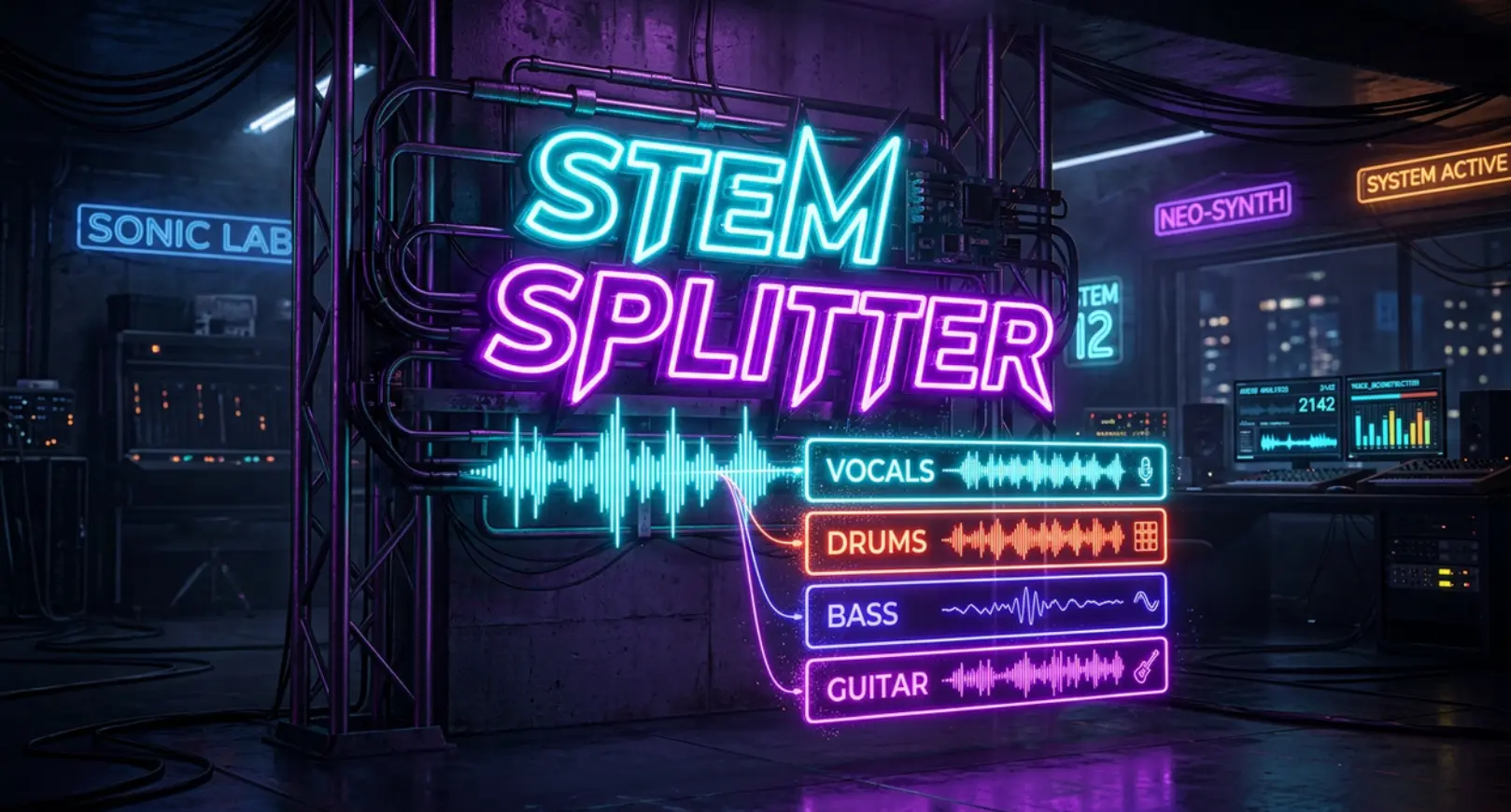
How to Isolate Instruments from a Song in 3 Simple Steps
We designed our audio separator online for maximum efficiency. You don't need to be an audio engineer or manually configure complex settings to extract instrumental from song — AI technology handles the comprehensive 12-stem splitting automatically.
Upload or Paste URL
Choose your track. You can either drag and drop a local audio file (MP3 or WAV, up to 50MB) or simply paste a public audio link. We make it incredibly easy to get your source material into the engine.
Start the 12-Stem Splitter
Just click "Start Stem Splitter." There is no need to manually select which instruments to extract. Our powerful AI automatically separates your track into 12 distinct stems simultaneously—including Vocals, Drums, Bass, Guitar, Keyboard, Strings, Synth, and more.
Relax & Access Your Stems
Generation usually takes just 1–5 minutes. Thanks to our cloud-based stem separation algorithm, you don't have to stare at a loading screen. Your separated tracks will be securely saved in your Stem Splitter History, ready to preview and download whenever you are.
Hear the Precision: High-Quality Stem Separation in Action
The true test of any multitrack generator is the lack of audio artifacts. Listen to these before-and-after examples to hear how our tool handles dense mixes. Notice the crispness of the isolated drums, the clarity of the guitar, and the warmth of the extracted bass, proving you can isolate instruments from a song without sacrificing audio fidelity.
Audio samples coming soon — Before (Original Mix) / After (Isolated Drums) / After (Isolated Bass & Guitar)
Built for Real Production Workflows
Zero-Bleed Instrument Isolation
Traditional filters leave muddy overlaps. Our neural networks understand the unique acoustic footprint of each instrument, ensuring clean extraction whether you use the AI drum stem splitter or isolate complex guitar chords.
Lightning-Fast Quick Edits
Time is money in the studio. Instead of spending hours phase-canceling tracks, our AI delivers separated stems in a fraction of the time, perfect for quick edits and mashups.
Lossless Export Quality
We preserve the dynamic range of your original upload. When you extract instrumental from song, AI processing ensures your downloaded stems are studio-ready and phase-accurate.
Unlock New Creative Possibilities with Stems
For Remixing & Sampling
Sample any track with unprecedented control. Isolate that perfect bassline, extract a rare drum break, or separate the guitar melody to flip into a completely new beat.
For Practice
Need to learn a complex riff? Our tool is the perfect drumless tracks generator. Easily remove drums from song if you are a drummer, or mute the guitar track to make backing tracks and play along with your favorite artists.
For Quick Edits & Live Sets
Build unique live sets. Create custom instrumentals and drum loops on the fly without hunting the internet for leaked official studio multitracks.
Frequently Asked Questions About Stem Separation
What exactly does this audio separator online do?
Our advanced AI technology analyzes your uploaded music and automatically splits it into 12 distinct tracks (stems). This means you can easily isolate vocals, backing vocals, bass, guitar, keyboard, and more from any single mixed audio file in just one click.
Can I extract instrumental from song AI using just a web link?
Yes, absolutely! You don't need to download the file to your device first. Simply choose the "Paste URL" option and input a public audio link. Our engine will fetch the audio and process the stem separation directly from the cloud.
What file types and sizes are supported by your AI stem splitter?
Currently, you can upload local audio files in MP3 or WAV formats. The maximum file size supported for a single upload is 50MB, which is more than enough for standard high-quality tracks.
Do I need to manually configure settings to remove drums from song?
No manual configuration is required. Unlike older tools where you have to select specific instruments, our AI automatically extracts all 12 stems simultaneously. Whether you want to remove drums, isolate the bassline, or extract a synth melody, you get all the individual tracks in one go.
How long does the stem separation process usually take?
The generation typically takes between 1 to 5 minutes depending on the length and complexity of the track. Because the processing happens on our powerful cloud servers, you don't need to keep the window open. You can leave the page anytime and check back later.
Is this a reliable AI drum stem splitter for beatmakers and producers?
Yes. We specifically output dedicated stems for Drums, Percussion, and Bass. This makes it an incredibly powerful tool for producers looking to sample specific drum breaks, analyze complex rhythms, or remix tracks with pristine isolated percussion elements.
How much does it cost to isolate instruments from a song?
Starting the 12-stem splitter costs just 20 credits per track. For this single cost, you receive the complete breakdown of all 12 instruments and vocals, offering incredible value compared to tools that charge per individual stem.
Where can I find my separated audio tracks if I close my browser?
Don't worry about losing your work! All your completed generations are securely saved in your account's Stem Splitter History. You can return at any time to preview, manage, and download your separated stems whenever you are ready.