Step 1
Upload your vocals
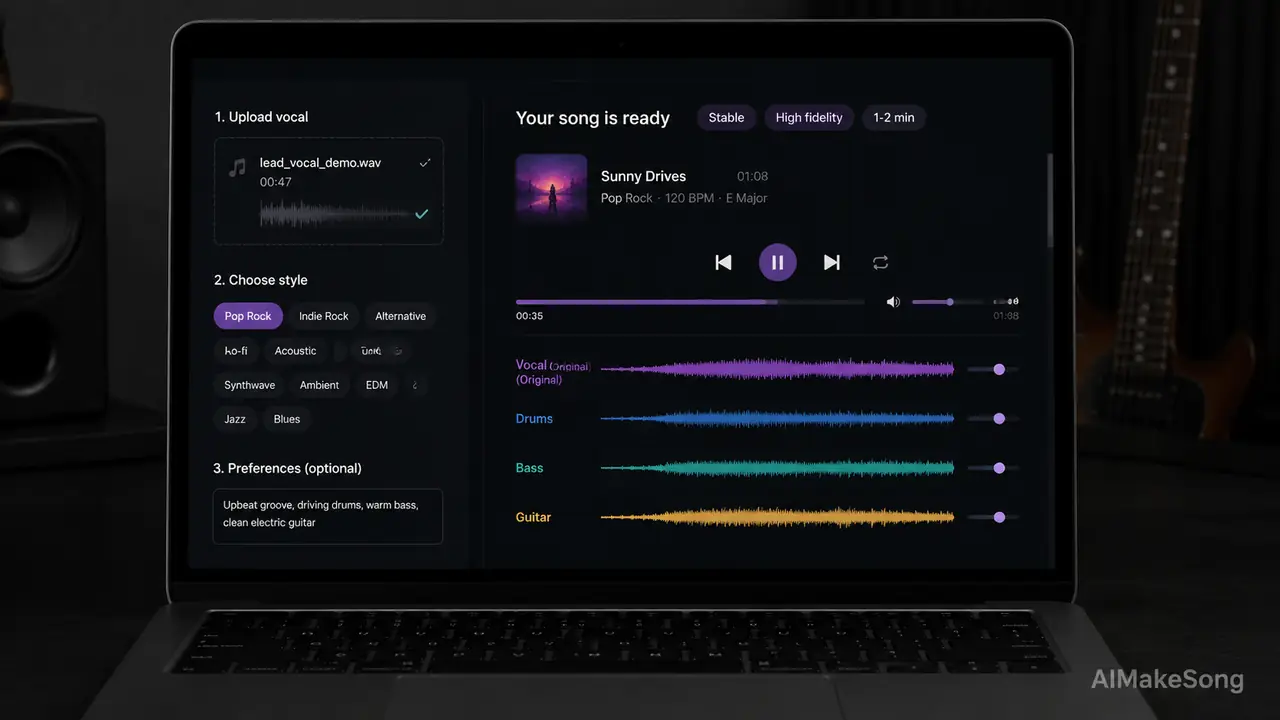
Use MP3 or WAV, up to 50MB and 8 minutes. Clean a cappella, rap, or spoken word works best. Mixed full songs are not a good fit.
Upload a cappella, rap, or spoken-word vocal. AIMakeSong adds drums, harmony, and arrangement around your recording without replacing the voice. Sign in to start with new-user free credits.

Cost: 3 credits · Charged when the task is created successfully. Estimated generation time: 1–2 minutes.
How it works
Upload a clean vocal, pick a style, and generate matching backing. No DAW setup required.
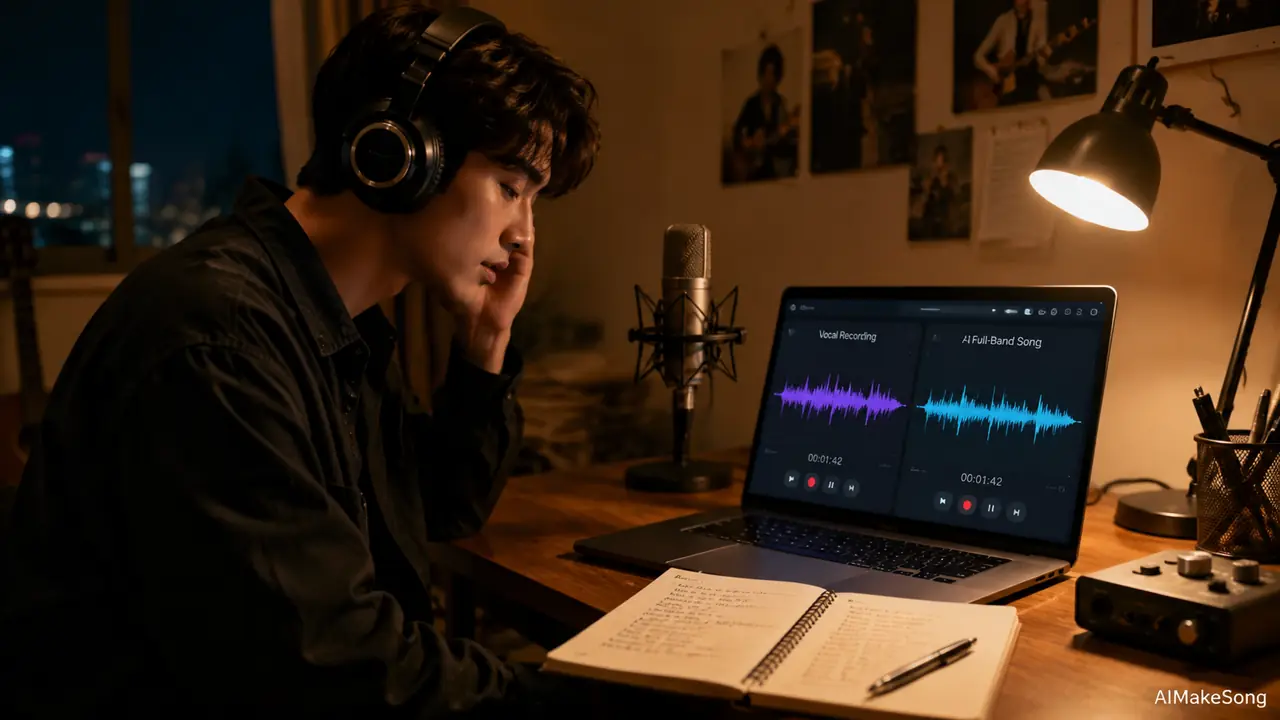
Step 1
Use MP3 or WAV, up to 50MB and 8 minutes. Clean a cappella, rap, or spoken word works best. Mixed full songs are not a good fit.
Step 2
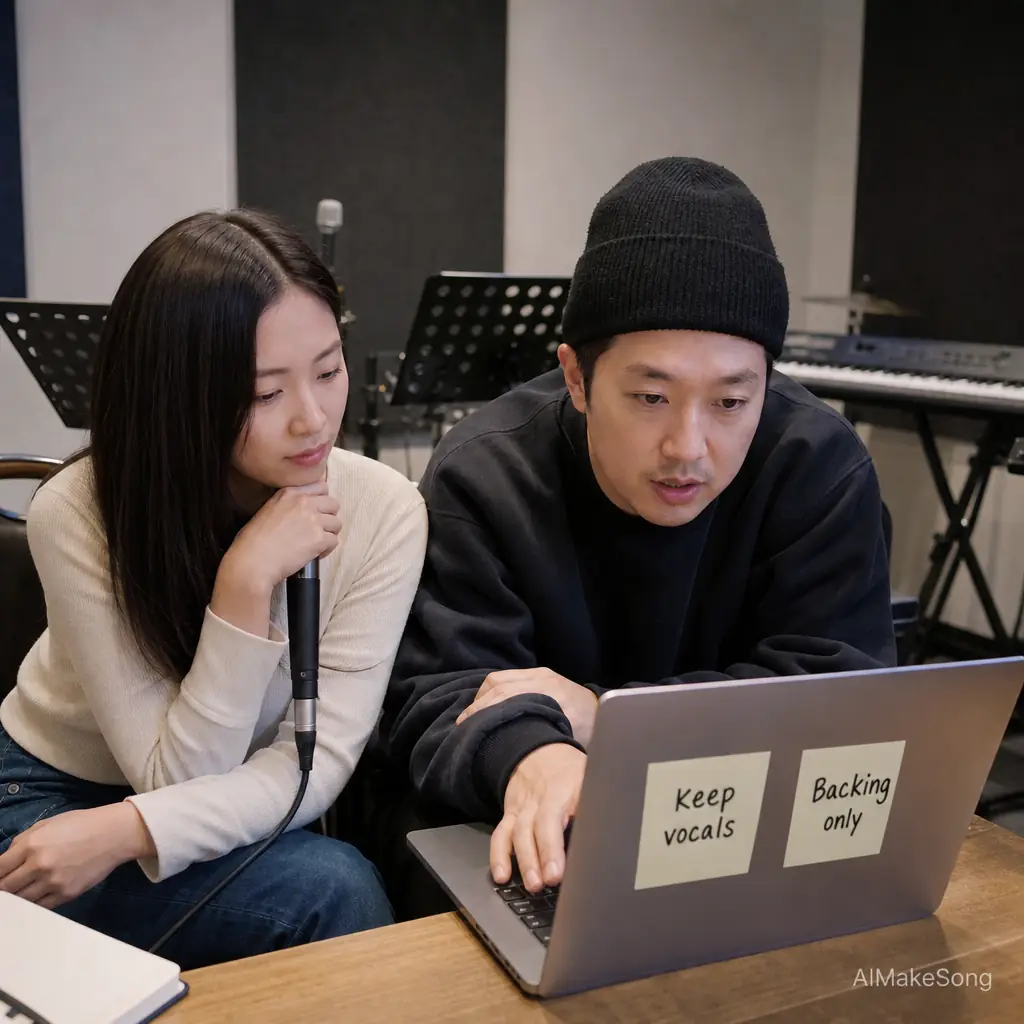
Add a title, style tags like pop acoustic or hip hop, and optional lyrics. Keep vocals plus backing, or export backing only.
Step 3
Most jobs finish in about 1–2 minutes. Sign in first. History on this page stores finished tracks.
Use cases
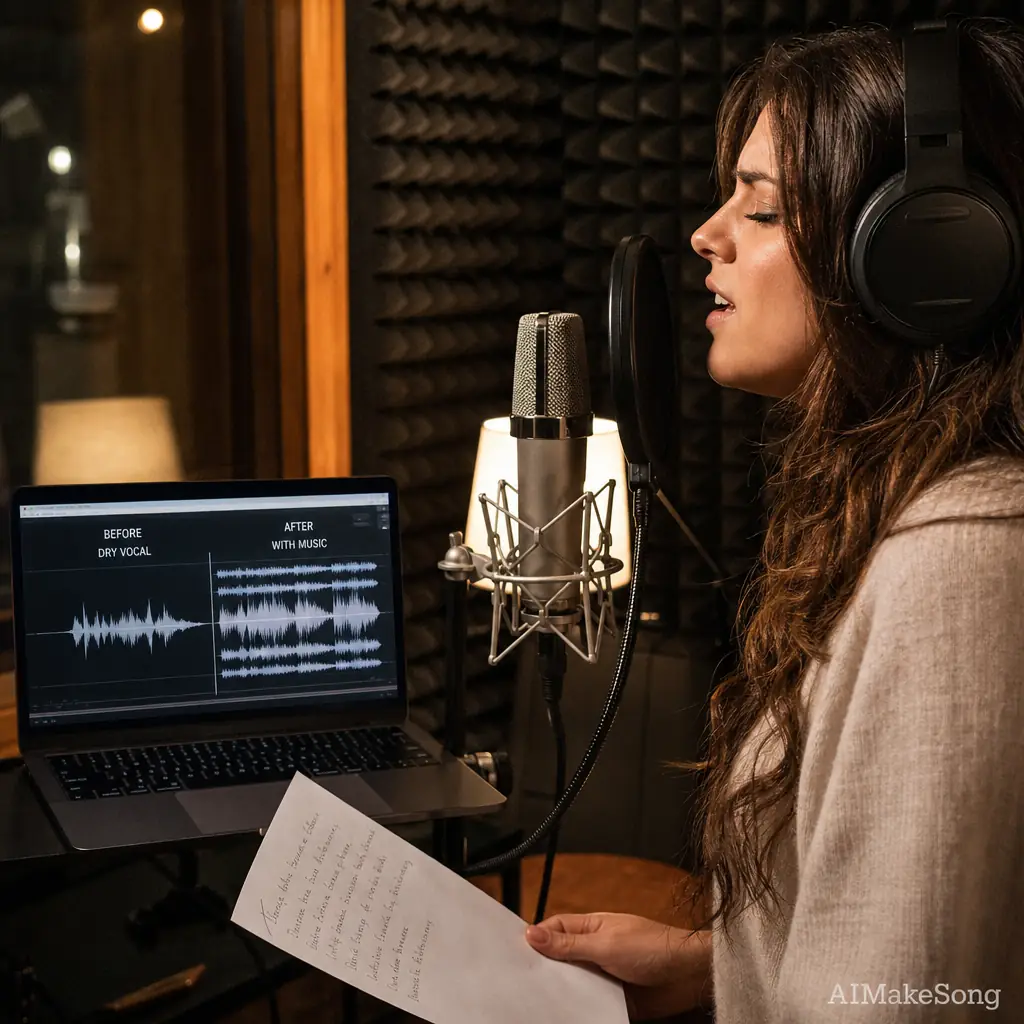
Singers can turn a dry vocal take into a full arrangement without booking a band first.
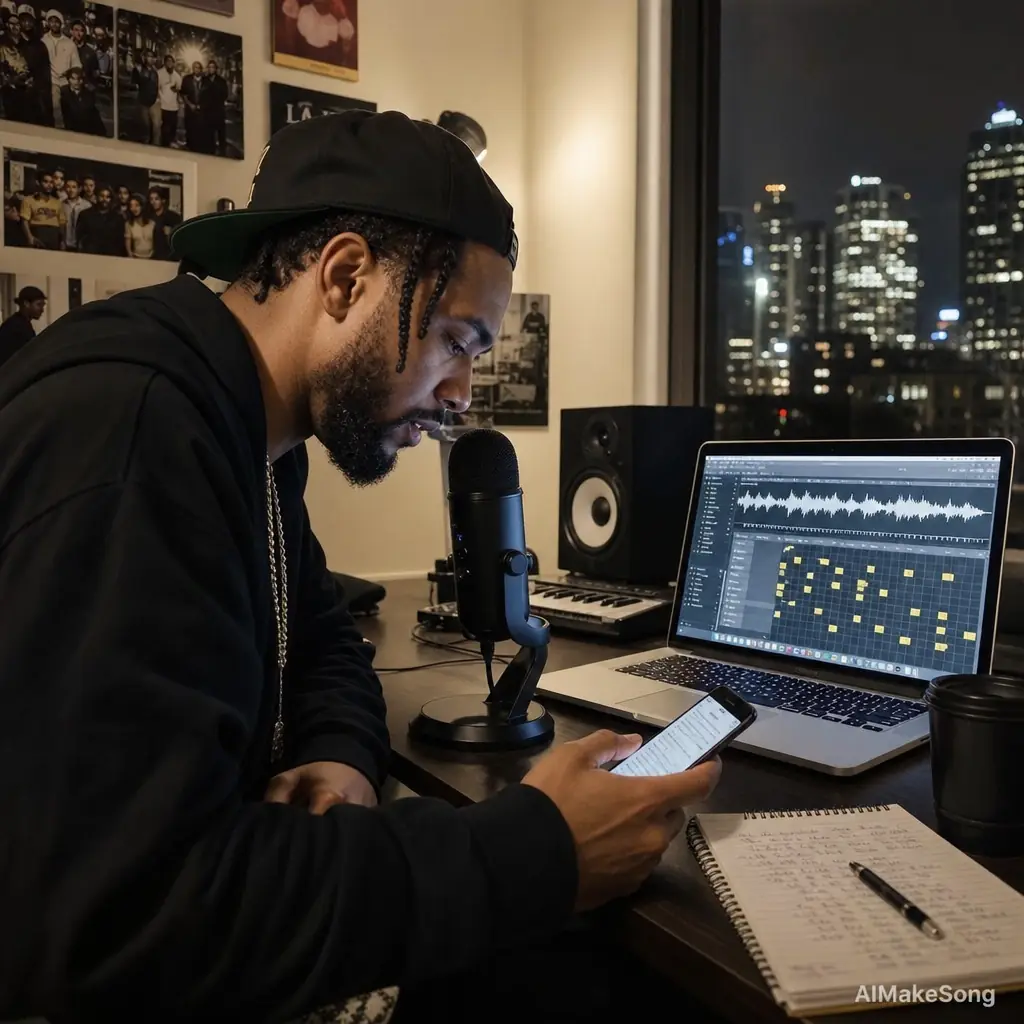
Rappers can drop a verse or spoken hook and get drums, bass, and a matching beat behind it.
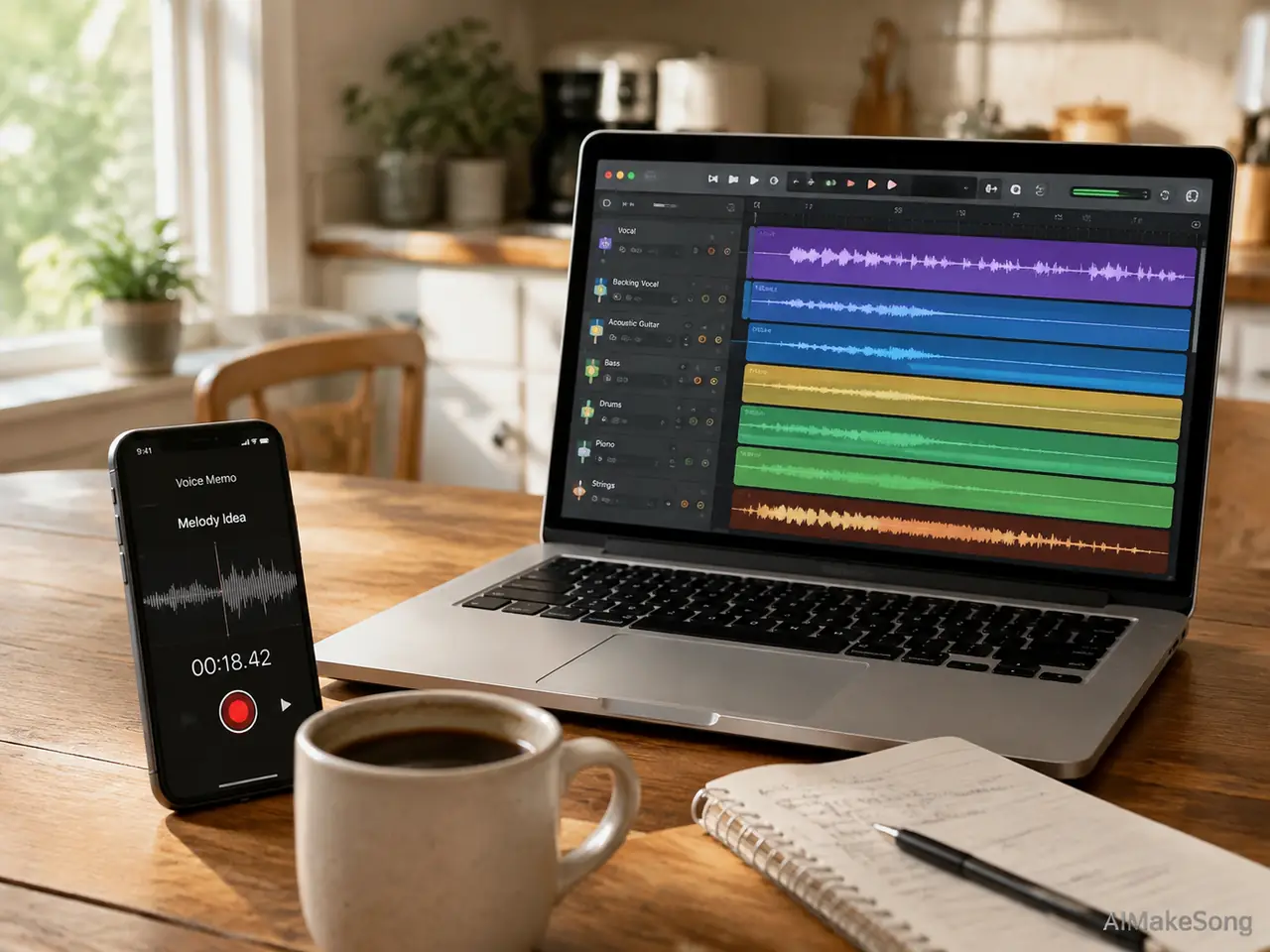
Songwriters can lift a phone memo into a playable sketch with drums and harmony.
Keep the original vocal for a full demo, or export backing only for live practice.
Why this tool
Jobs usually complete without a retry loop. Failed creates refund credits.
The original phrasing stays in the mix. This tool adds accompaniment; it does not replace the singer.
Most backing tracks are ready in about 1–2 minutes after the task is created.
Keep vocals plus backing for a full song, or download backing only for practice and overdubs.
Who it is for
You have a clean vocal and want drums, guitar, or piano around it without rebuilding the take.
You recorded a verse or hook and need a matching beat, not a new vocalist.
You hummed or sang a voice memo and want a playable sketch before a full production.
You need a fast backing track for rehearsal, pitching, or content, with the original vocal intact.
What people say
Illustrative quotes based on typical use cases. They are not verified customer reviews.
“I uploaded a dry vocal and the piano-guitar bed sat under my phrasing instead of fighting it.”

Maya Chen
Indie singer
“Needed a rap beat under a verse I already liked. The drums landed on the cadence in about two minutes.”

Jordan Blake
Rap songwriter
“Turned a kitchen voice memo into something I could send a producer the same morning.”

Elena Ruiz
Songwriter
“Backing-only export is what I wanted for rehearsal. My vocal stayed out of the way.”

Chris Patel
Choir director
“Generation felt stable. I did not have to resubmit three times to get a usable mix.”

Aisha Rahman
Demo vocalist
“This is not a vocal remover. It created new accompaniment around a take I already had.”

Noah Kim
Bedroom producer
FAQ
Upload MP3 or WAV, max 50MB and 8 minutes. Clean a cappella, rap, or spoken word works best. Mixed full songs with existing drums are a poor fit.
No. The generator keeps your original vocal and writes new backing around it. Choose keep-vocals plus backing, or backing only if you want the accompaniment by itself.
No. Vocal remover extracts stems from a mixed song. This page is an AI accompaniment generator: it creates new backing for a vocal-only recording. If your file already has a full mix, start with AI Vocal Remover.
Sign in to use the tool. New users receive free credits to try it. Each successful create costs 3 credits and usually finishes in 1–2 minutes. Credits are refunded if the task does not complete.
Paid users, including subscription users and one-time credit pack users, get commercial usage rights on works generated on AIMakeSong. Those works are 100% royalty-free for commercial projects, including earlier free-plan works after you upgrade. You must own or have permission to use the uploaded vocal. This does not cover copying another artist’s voice or protected material.
No. Sign in to AIMakeSong, upload your vocal, pick a style, and generate on this page.
Ready to generate
Upload a cappella, choose a style, and get backing that keeps your voice. Sign in to start with new-user free credits.
Upload your vocalsSplit a mix, hum a melody, generate a full song, or isolate stems after you have backing.
Already have a mixed song? Extract vocals first, then come back to add new backing.
No recorded vocal yet? Hum a melody and turn it into a full song.
Start from lyrics or a prompt when you do not have a vocal take.
Split a finished mix into vocals, drums, bass, and other parts.
More tools
Make music, video, and images in one place — swipe to try the next tool.
Turn a prompt into a full original song in minutes.
Open
Paste a story or idea and generate a complete track.
Open
Write verses, hooks, and choruses with AI.
Open
Hum a melody and turn it into a finished song.
Open
Cover any song with a new voice or style.
Open
Split vocals from the instrumental in one click.
Open
Separate vocals, drums, bass, and more.
Open
Turn your track into a cinematic music video.
Open
Make a video from photos with music.
Open
Generate cover art and visuals from a prompt.
Open
Restyle a photo into a new look.
Open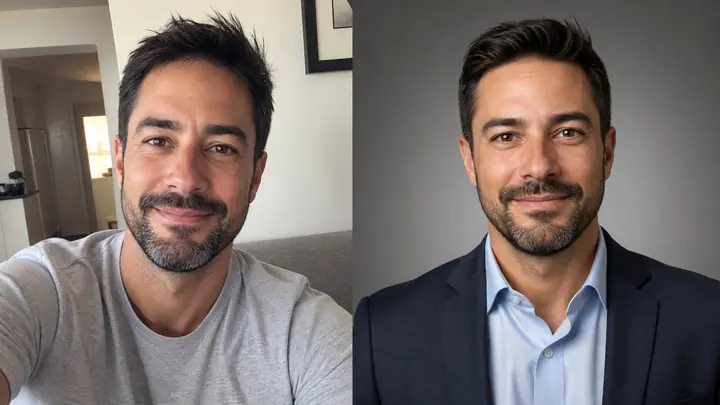
Turn a selfie into a studio-quality headshot.
Open