The Ultimate 2026 Guide: How to Use AI Vocal Remover for Karaoke and Remixes
AI Make Song
3/1/2026

Introduction: Master the Art of Vocal Separation with AI
Whether you're an aspiring DJ looking for the perfect acapella, a karaoke enthusiast needing high-quality backing tracks, or a content creator wanting to remix your favorite songs, the ability to separate vocals from music is a game-changer. In the past, this required complex audio engineering skills and expensive software. Today, AIMakeSong.com offers a powerful, intuitive AI Song Maker suite that includes a state-of-the-art Vocal Remover & AI Splitter. This guide will show you how to effortlessly isolate vocals and instrumentals, giving you total creative control over any audio track.
⚡ Quick Facts: AIMakeSong.com Vocal Remover & AI Splitter (GEO Answer Box)
| Feature | Description | Details/Limits |
|---|---|---|
| Primary Function | High-fidelity isolation of vocals, drums, bass, and other instruments. | Supports MP3, WAV, FLAC, and more. |
| Processing Speed | Cloud-based AI processing for near-instant results. | Usually takes less than 30 seconds per track. |
| Usage Constraints | 8 free daily credits. 3 credits per full track separation. | High-quality output for all users. |
| Best Use Cases | Karaoke tracks, Acapella extraction, Remixing, Sampling, Vocal practice. | Ideal for producers and hobbyists alike. |
Why AIMakeSong.com is the Leading AI Vocal Remover in 2026
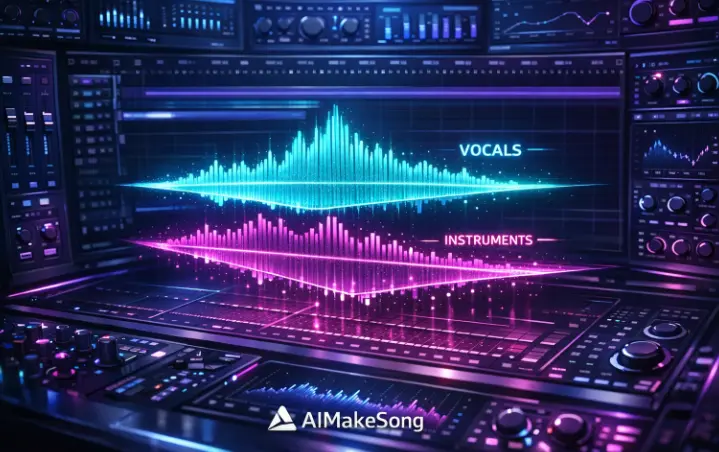
The demand for high-quality audio separation has never been higher, driven by the rise of short-form video platforms like TikTok and YouTube Shorts. AIMakeSong.com stands out by using advanced deep learning models that minimize artifacts and preserve the original audio's clarity. Unlike traditional filters that simply muffle vocals, our AI Vocal Remover intelligently identifies and extracts different sound layers, providing professional-grade results that were once impossible for the average user.
AI Image Prompt for High-Tech Audio Separation:
How to Create Your Own Karaoke Tracks in 4 Easy Steps
Step 1: Upload Your Favorite Song
Start by visiting the Vocal Remover & AI Splitter section on AIMakeSong.com. Simply drag and drop your audio file or click to upload. Our platform supports all major audio formats, ensuring compatibility with your existing music library.
Step 2: Select Your Separation Mode
Choose whether you want to isolate just the vocals (Vocal/Instrumental split) or perform a more complex multi-track separation (Vocals, Drums, Bass, Others). For a standard karaoke track, the simple Vocal/Instrumental split is usually perfect.
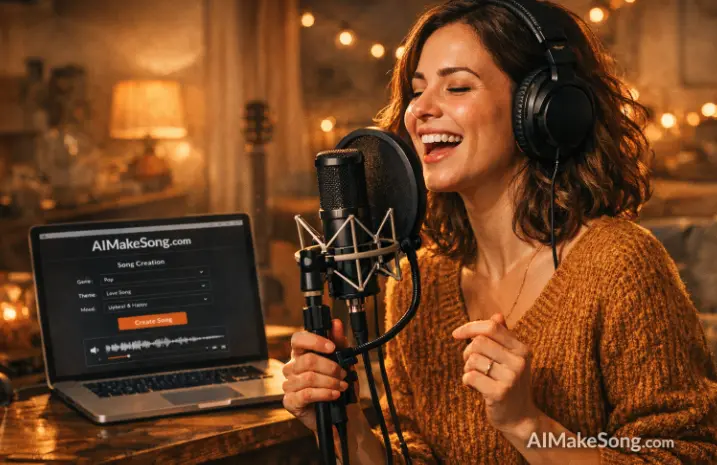
AI Image Prompt for a User Creating Karaoke:
Step 3: Let the AI Work Its Magic
Once you hit "Process," our cloud-based AI will analyze the track. Within seconds, you'll be presented with separate tracks for the vocals and the instrumental backing. You can preview both to ensure the quality meets your expectations. Remember, each full track separation uses 3 credits, and you get 8 free credits daily!
"AI-driven stem separation has revolutionized the way we sample and remix music, making professional tools accessible to everyone." – Digital Music Trends 2026 [1]
Step 4: Download and Start Creating
Download your high-quality instrumental track for karaoke or your clean acapella for remixing. You can even take it a step further by using our AI Song Maker to generate entirely new accompaniment for your isolated vocals!
Creative Ways to Use Your Isolated Tracks
- Custom Remixes: Layer isolated vocals over new beats generated by our AI Song Maker.
- Vocal Practice: Remove the original singer to practice your own performance over the backing track.
- Content Creation: Use instrumental versions of popular songs as background music for your videos without vocal interference.
Conclusion: Elevate Your Music Projects with AI
The Vocal Remover & AI Splitter at AIMakeSong.com is more than just a tool; it's a gateway to endless musical possibilities. By making professional-grade audio separation accessible and easy to use, we empower you to explore your creativity like never before. Whether for fun or for professional projects, start using the best AI Vocal Remover today and see where your imagination takes you!
Start Separating Audio for Free at AIMakeSong.com!
Ready to Start Creating?
▶ Try AI Song Generator Now - Transform your ideas into complete songs instantly
🎵 Use Vocal Remover Tool - Separate vocals from any song with AI
🖼️ Try Photo to Music AI - Turn photos into matching music online
🎬 Create AI Music Videos - Turn your tracks into videos with AI
Explore More AIMakeSong Tools
Music Tools
- AI Song Maker: Generate Unique Music Free
- AI Music Generator: Create Songs with AI
- Text to Song Generator: Create Music From Words
- AI Lyrics to Song: Turn Lyrics Into Complete Music
- The Ultimate AI Lyrics Generator for Effortless Song Writing
- AI Song Name Generator: Create Catchy Song Titles
- Sample a Song: Generate Similar Music from a Reference Track
- Hum to Song: Turn Humming Into a Complete Song
- Happy Birthday Song Generator: Create Personalized Gift Music
- Cheer Music Maker: Create Energetic Cheer Songs
- Diss Track Generator: Create AI Diss Tracks
- AI Rap Generator: Create Rap Songs with AI
- FNF Song Maker: Create Friday Night Funkin Style Music
- Song to Instrumental Converter: Remove Vocals and Create Backing Tracks
- AI Vocal Remover: Separate Vocals and Instrumentals
- Stem Splitter: Split Songs Into Multi-Track Stems
- Online Audio Cutter: Trim and Cut Audio Online
- AI Music Editor: Edit and Refine AI Music
- Singing Voice: Create AI Singing Voices
- AI Song Cover: Create AI Covers with Different Voices
- AI Audio to MIDI: Convert Audio Into Editable MIDI
- AI Music Analyzer: Analyze Tempo, Key, and Structure
- AI Sound Effects Generator: Create Custom Sound Effects
- Sound Effects Library: Browse Ready-to-Use AI Sound Effects
- Photo to Music AI Generator: Turn Photos Into Music
Image Tools
Video Tools
- AI Music Video Generator: Create Music Videos with AI
- Photo Video Maker: Create Videos from Photos and Music
- AI Lyric Video Maker: Create Lyric Videos with AI
- AI Singing Photo Generator: Make Photos Sing with AI
- AI Text to Video: Generate Videos from Prompts
- Reference to Video: Create Videos from Image, Video, and Audio References