01
Upload the file you own
Save the .m4a file to your device first, such as a Voice Memo exported to Files or an audio file from your computer. Sign in, then choose the file you want to convert.
Need to convert an M4A file to MP3? Sign in, upload the file you own, and convert it online. Preview the result before downloading it for editing, sharing, playback, or other audio workflows.
Sign in to start. Your AIMakeSong account keeps conversions in the same workspace, and new accounts can claim a free credit trial.
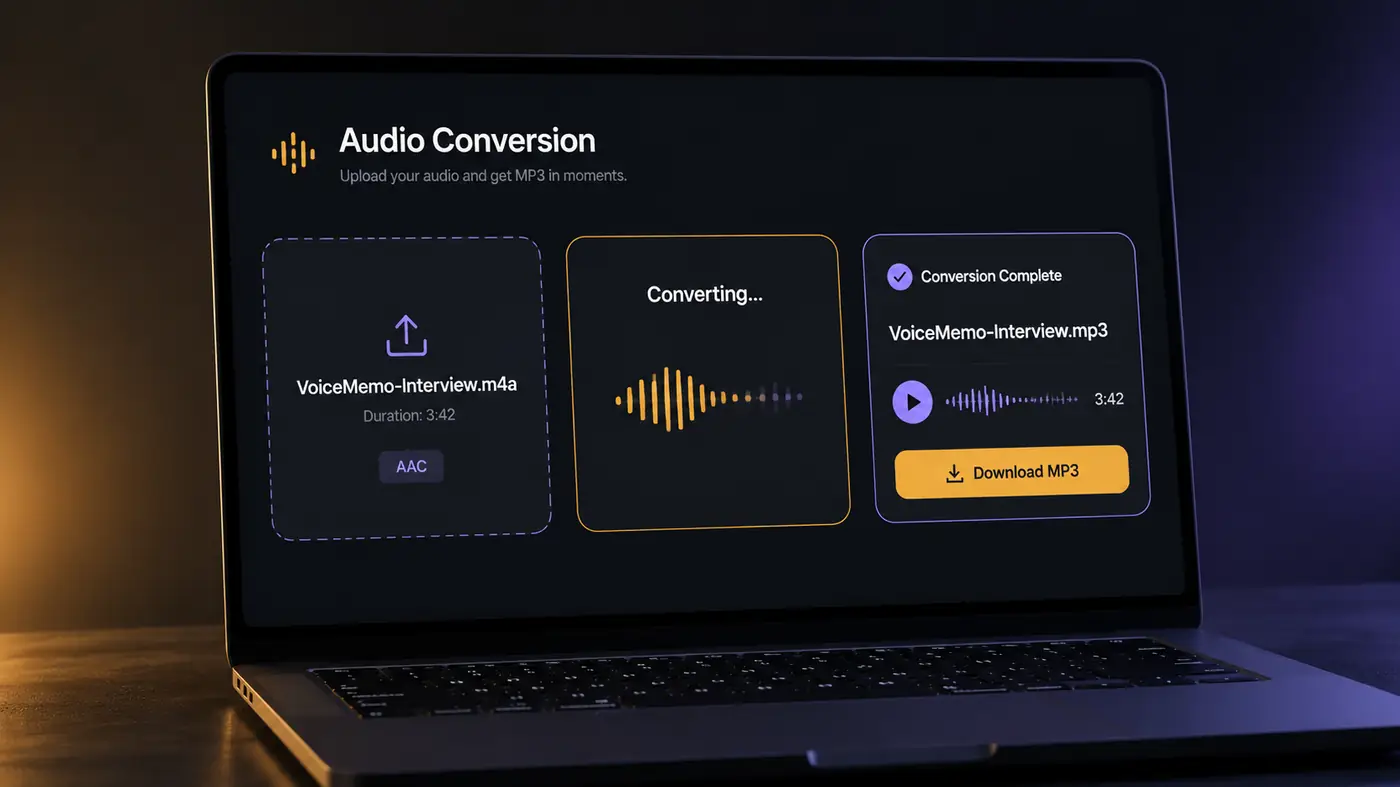
M4A to MP3 Converter
Upload an M4A file or paste a public URL, then convert it to MP3.
Cost: 1 credit per conversion.
Estimated conversion time: within 30 seconds
Converted MP3
Your MP3 preview will appear here after conversion.
Sign in, upload the file you own, convert it to MP3 online, then preview the result before downloading. Three simple steps with no extra app to install.
Save the .m4a file to your device first, such as a Voice Memo exported to Files or an audio file from your computer. Sign in, then choose the file you want to convert.
The service reads your uploaded audio and creates an MP3 file. Conversion runs online in the same workflow, so you do not need another desktop application.
Play the converted MP3 before saving it. If the speech, music, or voiceover sounds right, download the file. If something sounds wrong, check the source and try again.
The formats
M4A is a common audio file container, often used with AAC audio. MP3 is widely supported by media players, editing software, car stereos, and many other devices and apps. Convert M4A to MP3 when the original file will not import, play, or share properly.
Voice Memos, Mac exports, and many other audio files are commonly saved as M4A. The format can provide good quality at a relatively small file size. The main issue is usually compatibility with the next app or device.
MP3 is widely supported across media players, editing software, USB stereos, and many everyday audio workflows. Converting to MP3 can make it easier to move a file between different apps, devices, and editing tools.
A note on quality
If the source is already compressed, converting it to MP3 creates another lossy encode. Preview the result before downloading so you can check the audio quality. DRM-protected or otherwise restricted files may fail to convert. Only convert audio you have the right to use.
Use this converter when an editor, app, player, or USB device does not accept the original M4A file. Upload one file you own, preview it, then download the MP3.
For editors
Some editing workflows do not accept M4A as expected. Convert the clip you own, preview the MP3, then import it for cuts, voiceover, dialogue, or a music bed. Spend your time editing instead of troubleshooting a format issue.
Convert This Clip →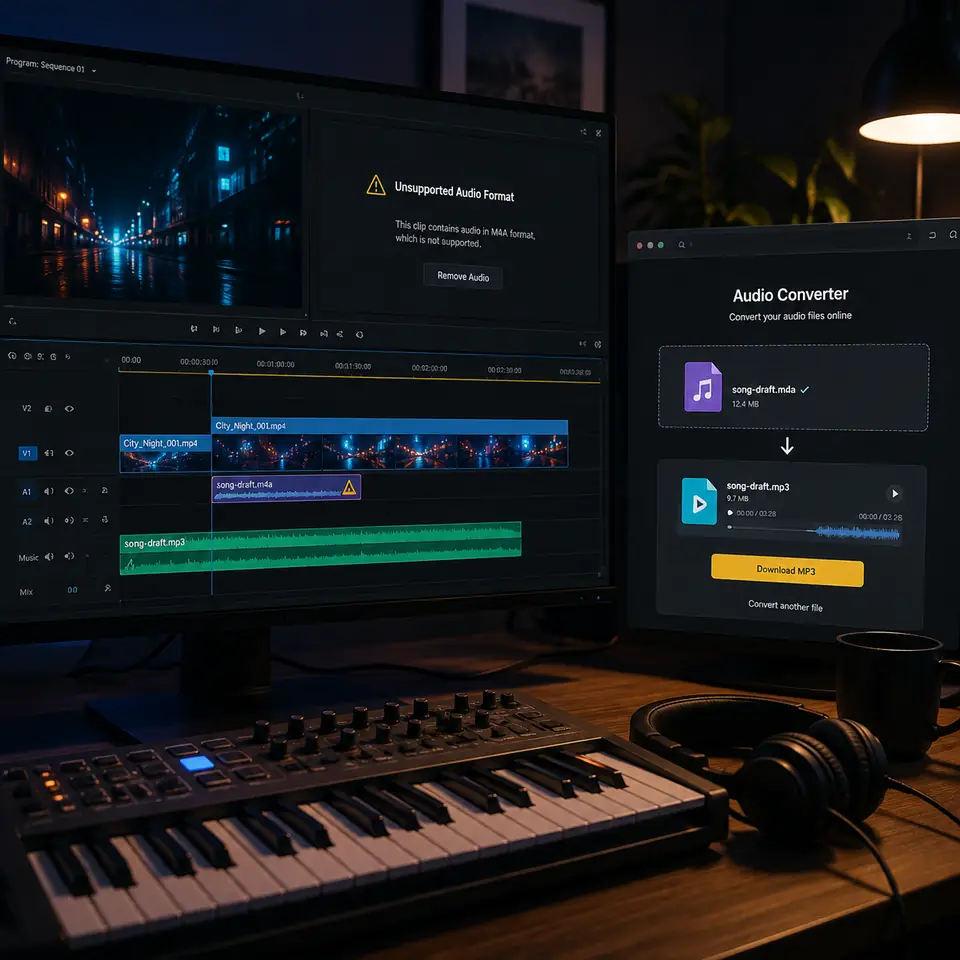
For sharing
A demo, recording, or music sketch saved as M4A may not work smoothly in every app or player. Convert the file you own, preview the MP3, and send a format that is widely supported across everyday audio workflows.
Convert This Clip →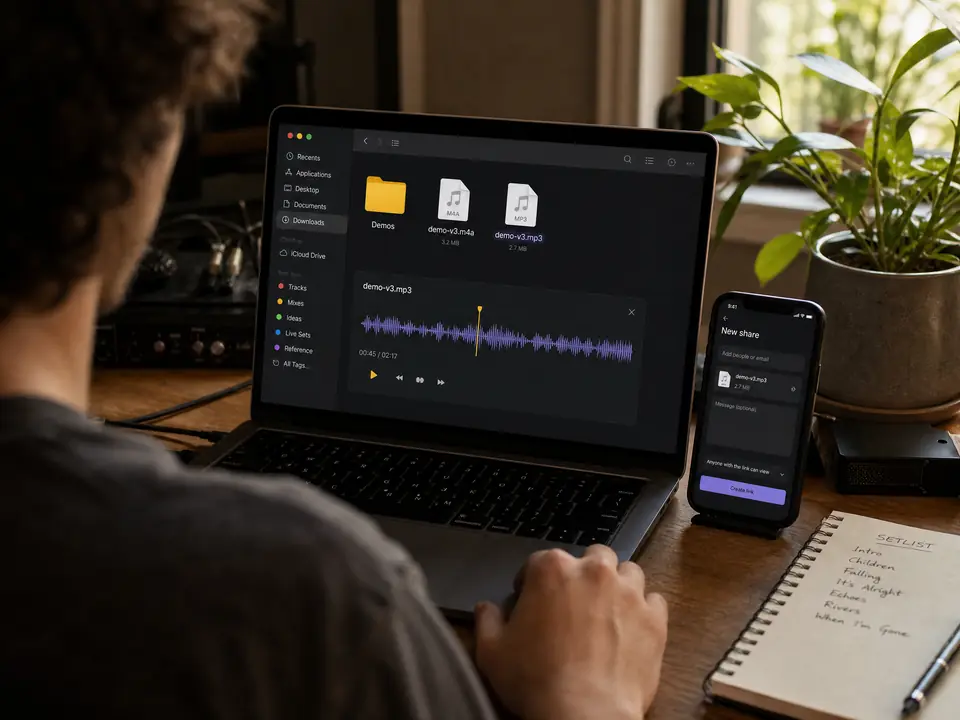
For car USB
Some older car stereos and USB players support MP3 but may not recognize M4A. Convert a track you own, preview the result, then copy the MP3 to your USB drive.
Convert This Clip →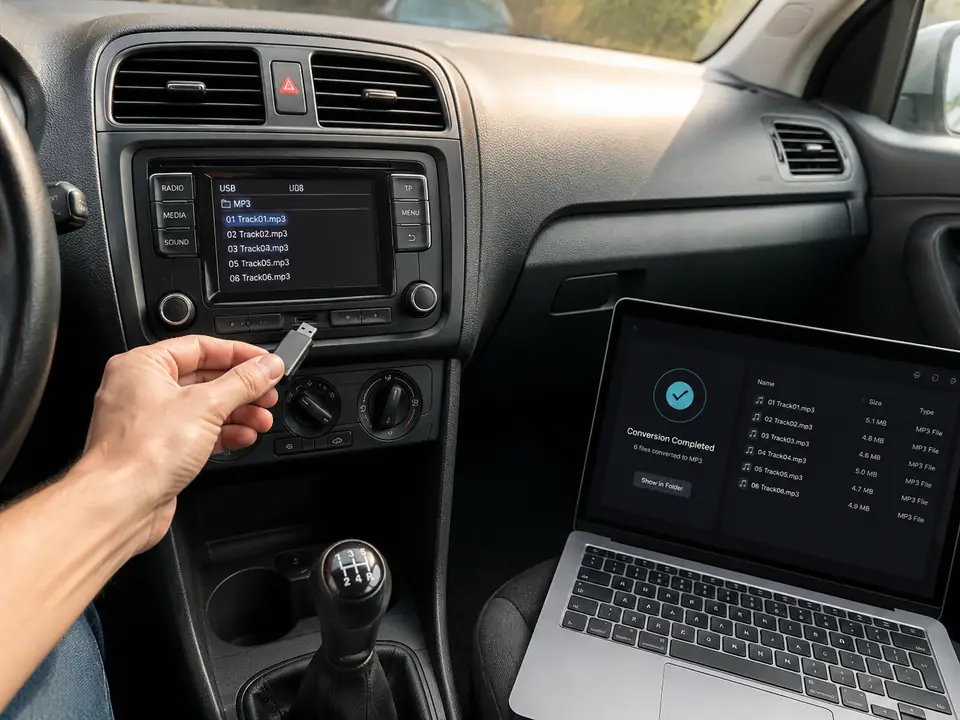
For voice memos
Voice Memos are commonly saved as M4A. Save the recording to Files, upload it, preview the converted MP3, then download a copy for class, a teammate, a podcast handoff, or another workflow.
Convert This Clip →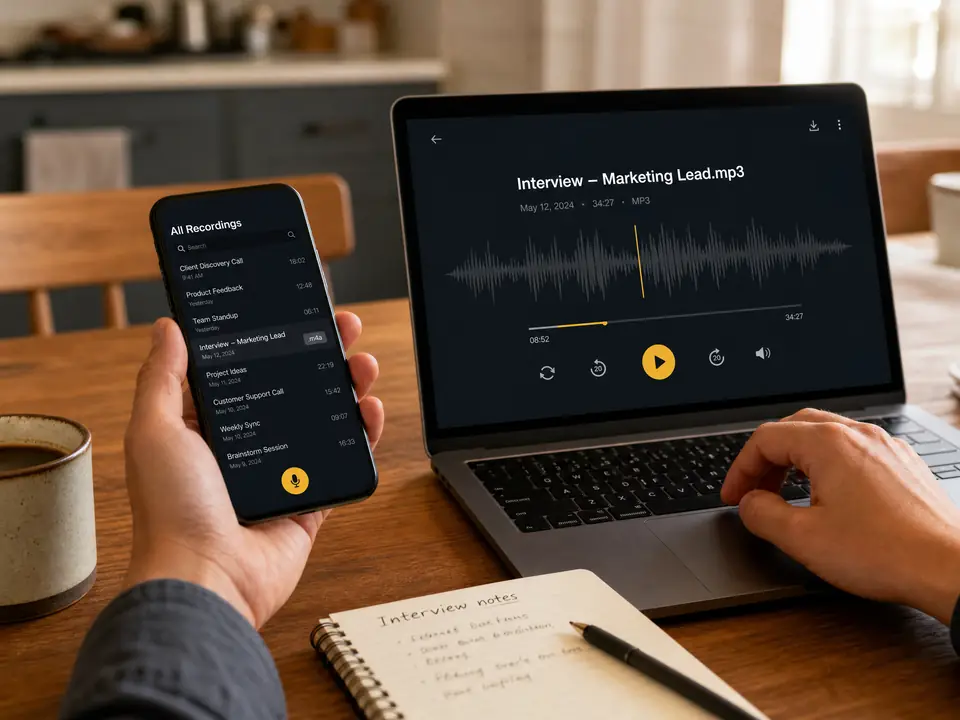
Why use it
A simple path from upload to conversion, preview, and download. Use it in your AIMakeSong account with a free credit trial after you sign in.
Play the converted MP3 before you save it. Check speech, music, or a voiceover first so you can catch an unwanted result before sharing or using the file elsewhere.
Upload your M4A file and convert it online. You do not need to install another desktop application for a single conversion.
New accounts can claim a free credit trial for eligible conversions. Each conversion costs 1 credit. Additional usage follows your AIMakeSong plan, while the same account keeps your audio workflow in one place.
Download a standard MP3 that you can edit, share, play, or move to another device. After conversion, you can continue using other AIMakeSong tools when they fit your workflow.
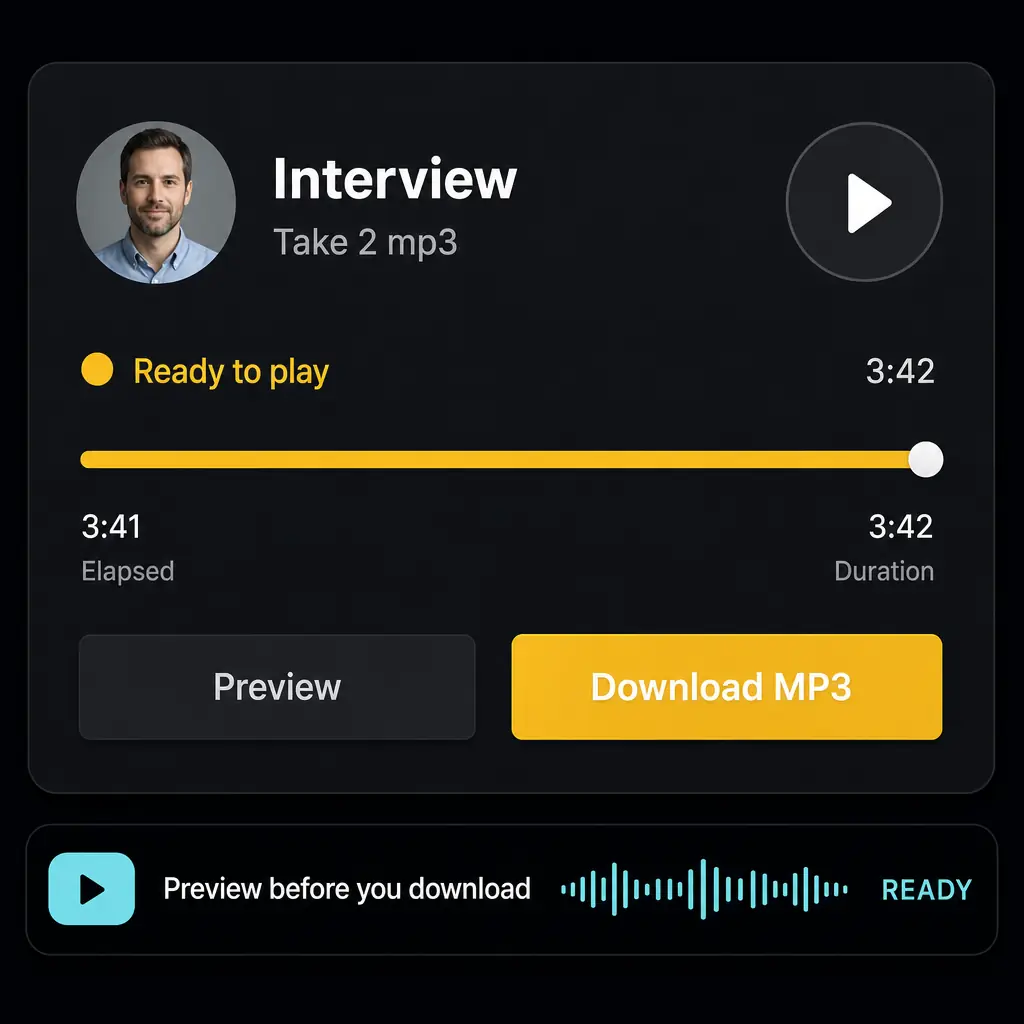
Preview before you download
Does it fit you?
Use these checks to decide whether this conversion flow matches your needs. It is designed for straightforward one-file conversions inside an AIMakeSong account.
Tap each card to check what applies to you.
After you convert M4A to MP3, keep working with related AIMakeSong tools for stems, vocals, and music generation.
Split a mix into vocals, drums, bass, and more stems for remixing or practice.
Isolate vocals or get an instrumental track from a song you own.
Turn a text idea into a full song you can preview and download.
Convert audio into MIDI notes for editing in your DAW.
Get quick answers about converting M4A files, account access, audio quality, mobile use, and failed conversions.
An M4A to MP3 converter turns an uploaded .m4a audio file into MP3 format. On AIMakeSong, you can convert the file, preview the result, and download the MP3.
Save or export your .m4a file, sign in to AIMakeSong, upload it, start the conversion, preview the result, and download the MP3.
Yes. Save the Voice Memo to Files as an .m4a file, then upload it to the converter. After conversion, preview the MP3 and download it. Protected or restricted audio may not convert.
You need an AIMakeSong account to use the converter. New accounts can claim a free credit trial for eligible conversions. Each conversion costs 1 credit. Additional usage follows your plan.
It can. MP3 normally uses lossy compression, so converting an already compressed source may introduce another quality loss. Preview the result before downloading it.
Yes, provided your mobile browser can access and upload the .m4a file. On iPhone, save the Voice Memo to Files first, then upload it for conversion.
Check that the file is a valid .m4a audio file and is not DRM-protected or otherwise restricted. You can also try exporting a new copy or a shorter file and uploading it again.
Upload your M4A, preview the converted MP3, then download a file you can edit, share, play, or move to another device. Sign in to start and claim a free credit trial on eligible jobs.
More tools
Make music, video, and images in one place — swipe to try the next tool.

Turn a prompt into a full original song in minutes.
Open
Paste a story or idea and generate a complete track.
Open
Write verses, hooks, and choruses with AI.
Open
Hum a melody and turn it into a finished song.
Open
Cover any song with a new voice or style.
Open
Split vocals from the instrumental in one click.
Open
Separate vocals, drums, bass, and more.
Open
Turn your track into a cinematic music video.
Open
Make a video from photos with music.
Open
Generate cover art and visuals from a prompt.
Open
Restyle a photo into a new look.
Open
Turn a selfie into a studio-quality headshot.
Open